🎉 We've launched a brand-new management panel! To celebrate, use code PANEL and get 20% off all products - valid until 30.06.2026 23:59! 🚀
Home Game Servers VPS VDS Discord
PolskiEnglish
Client Panel
Choose a billing period

Calculator Assistant

Not sure which plan to choose? 🤔

Answer a few simple questions and our assistant will automatically match the perfect server to your needs.

Features

NVMe SSD

Lightning-fast map and data reads.

Low Ping

Infrastructure in Poland and Germany.

Plugin Manager

Install engines and plugins with one click.

Instant Setup

Your server is live in 60 seconds.

Backups

Create backups of your world.

24/7 Support

Technical support on Discord.

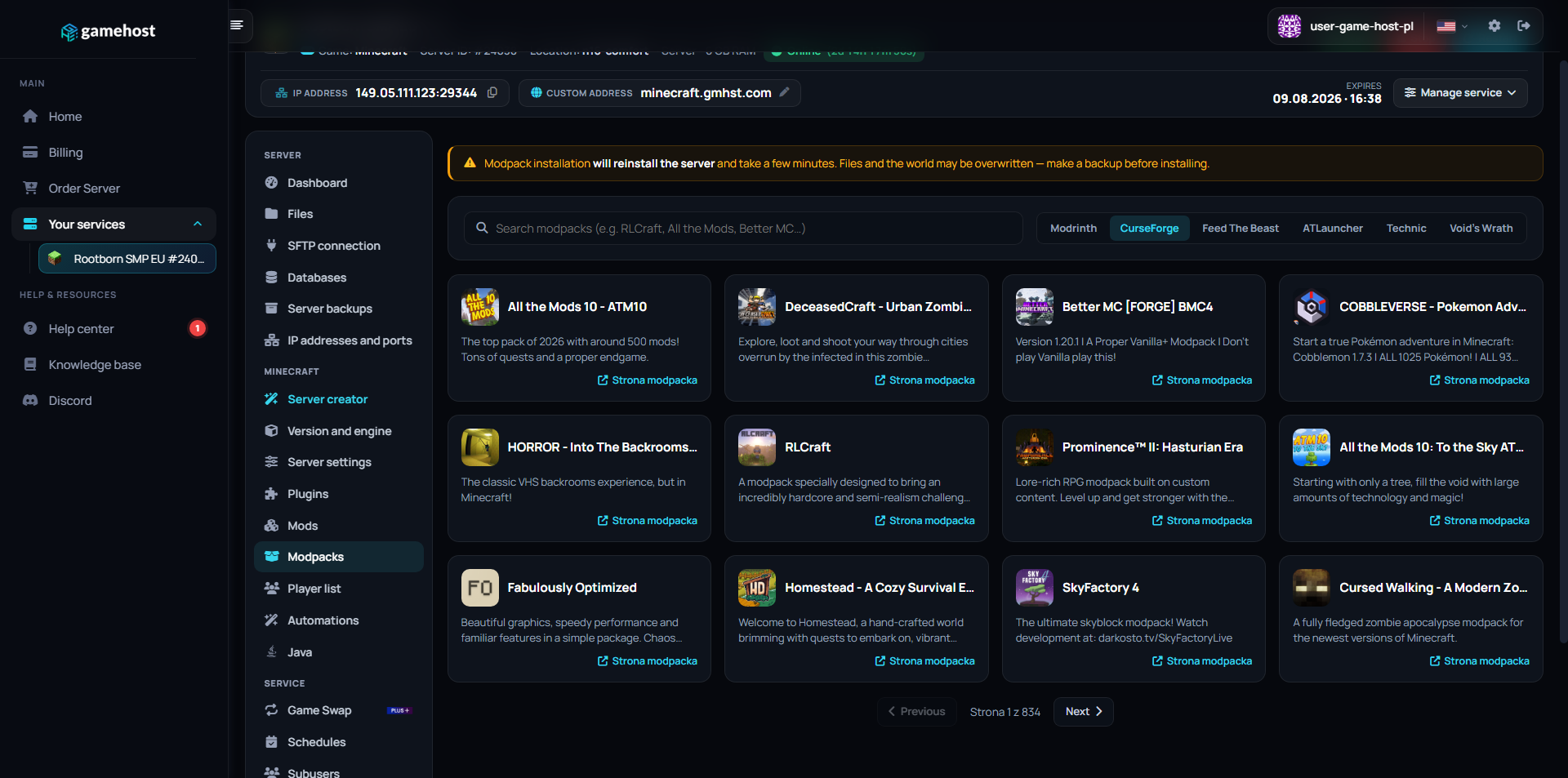
Custom modpacks

Thousands of modpacks
at your fingertips

Install any pack straight from the panel with a single click, no manual file uploads. Just pick a modpack and version, and we'll automatically set up a server for it.

CurseForge Modrinth Feed The Beast ATLauncher Technic

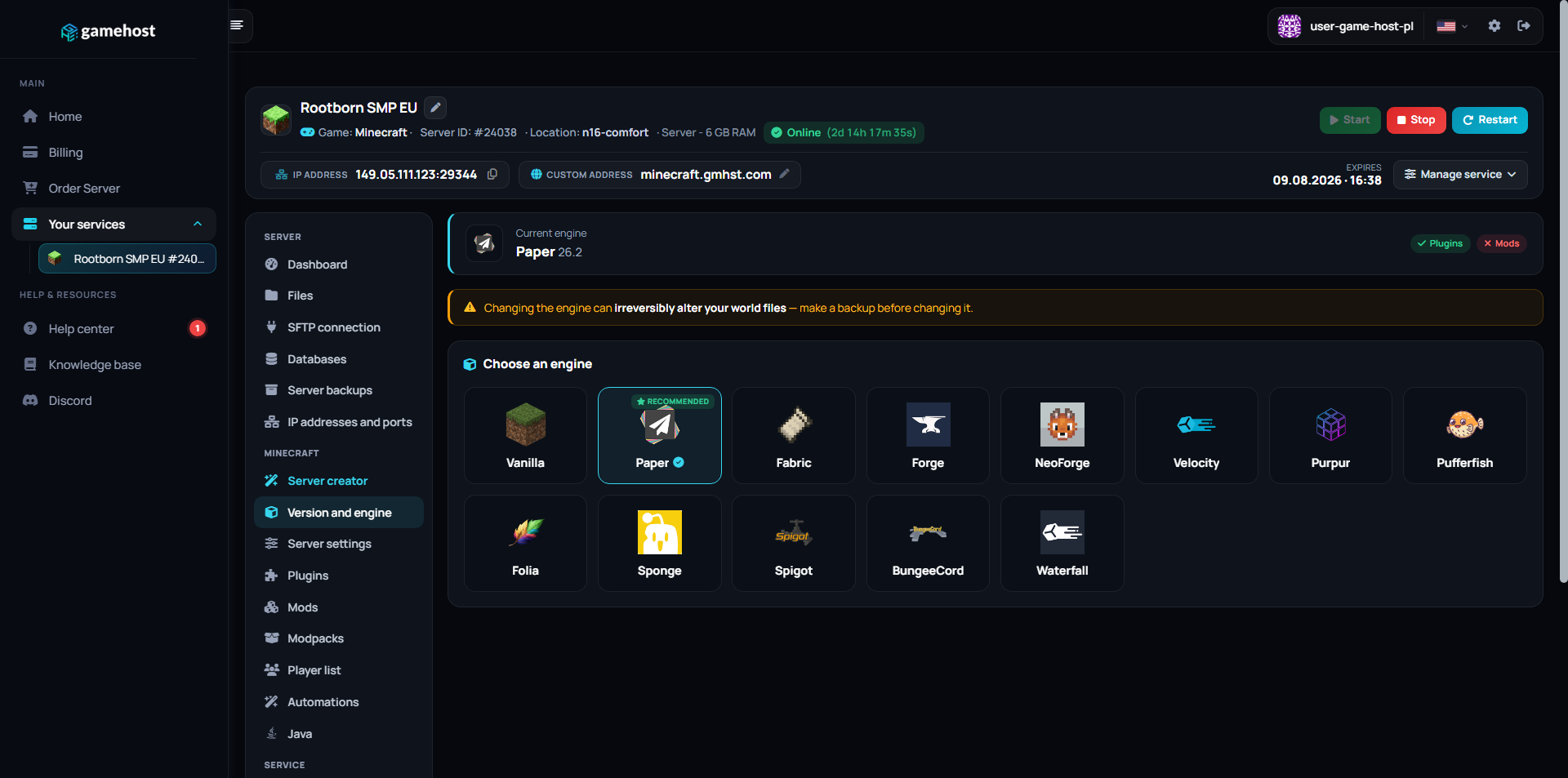
Engines available in the panel

Paper

Paper (PaperSpigot)

The gold standard for performance. An optimized Spigot fork that fixes bugs and dramatically boosts TPS.

Optimization Plugins Recommended
Fabric

Fabric

A modern, lightweight and modular engine. Perfect for players who want the latest versions with technical mods.

Mods Lightweight Vanilla+
Forge

Forge

A modding classic. Essential for heavy modpacks.

NeoForge

NeoForge

The successor to Forge. The future of large modpacks.

Velocity

Velocity

A modern proxy for linking multiple servers into a network.

Vanilla

Vanilla

Pure Minecraft straight from Mojang. No add-ons.

Purpur Purpur
Spigot Spigot
Pufferfish Pufferfish
Folia Folia
Sponge Sponge
BungeeCord BungeeCord
Waterfall Waterfall
Purpur Purpur
Spigot Spigot
Pufferfish Pufferfish
Folia Folia
Sponge Sponge
BungeeCord BungeeCord
Waterfall Waterfall

Server creator

Don't know how to set up a server? You don't have to.

You set everything up with a few clicks in the panel, as easy as using your phone. No installations, no technical knowledge required. We take care of the rest, so you can just play.

Step 1

Choose your play style and engine

The creator asks how you want to play and picks the right engine for you, for example Paper, Forge or Fabric. Nothing to install by hand.

Step 2

Add plugins or a modpack

Click to add plugins or pick a ready-made modpack straight from the panel. No need to upload or unpack anything.

Step 3

Set an address and play

Choose your own free server address (subdomain), confirm, and the creator sets everything up for you. Ready to play.

COMMAND CENTER

Full control
in one place.

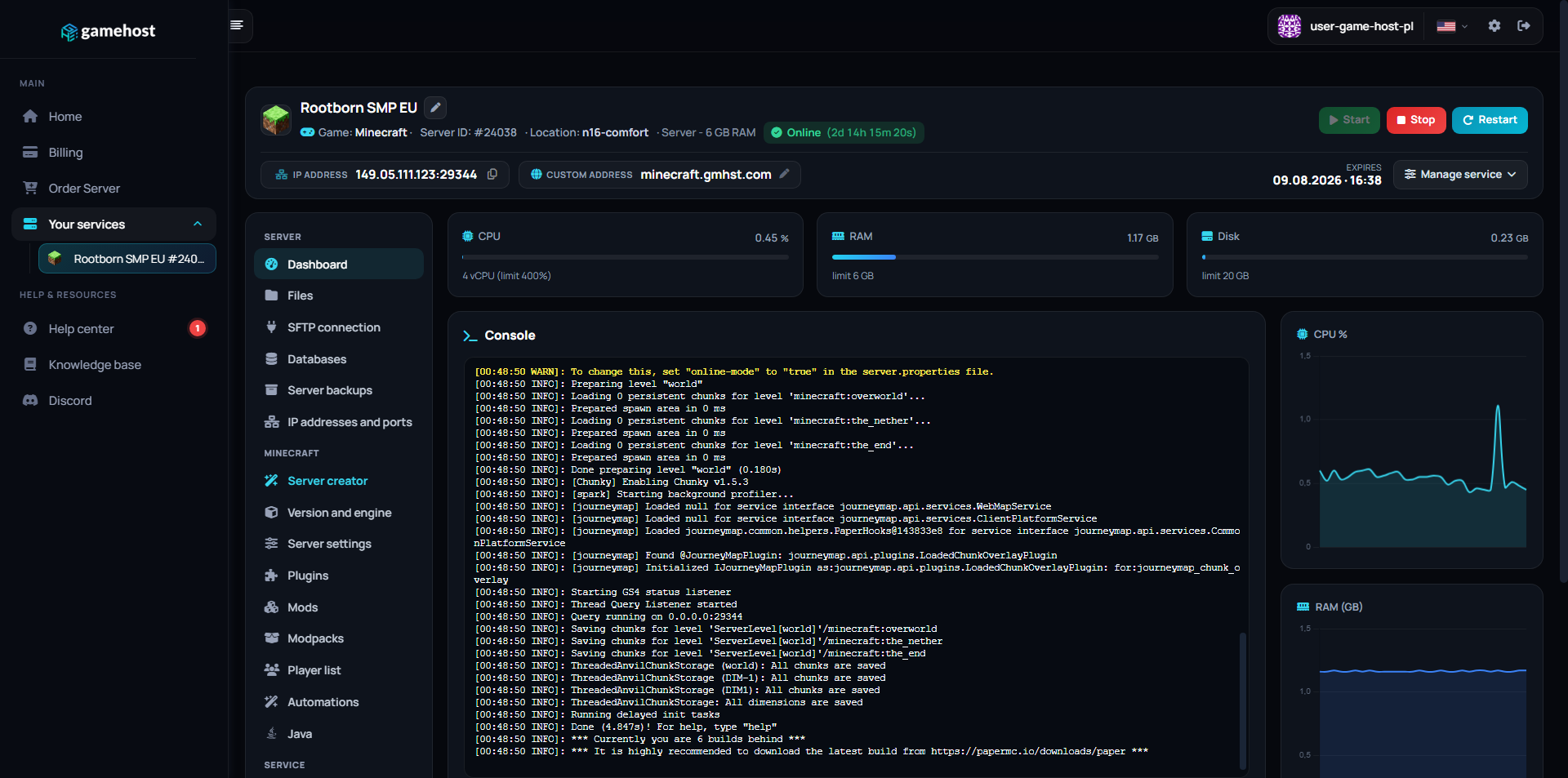
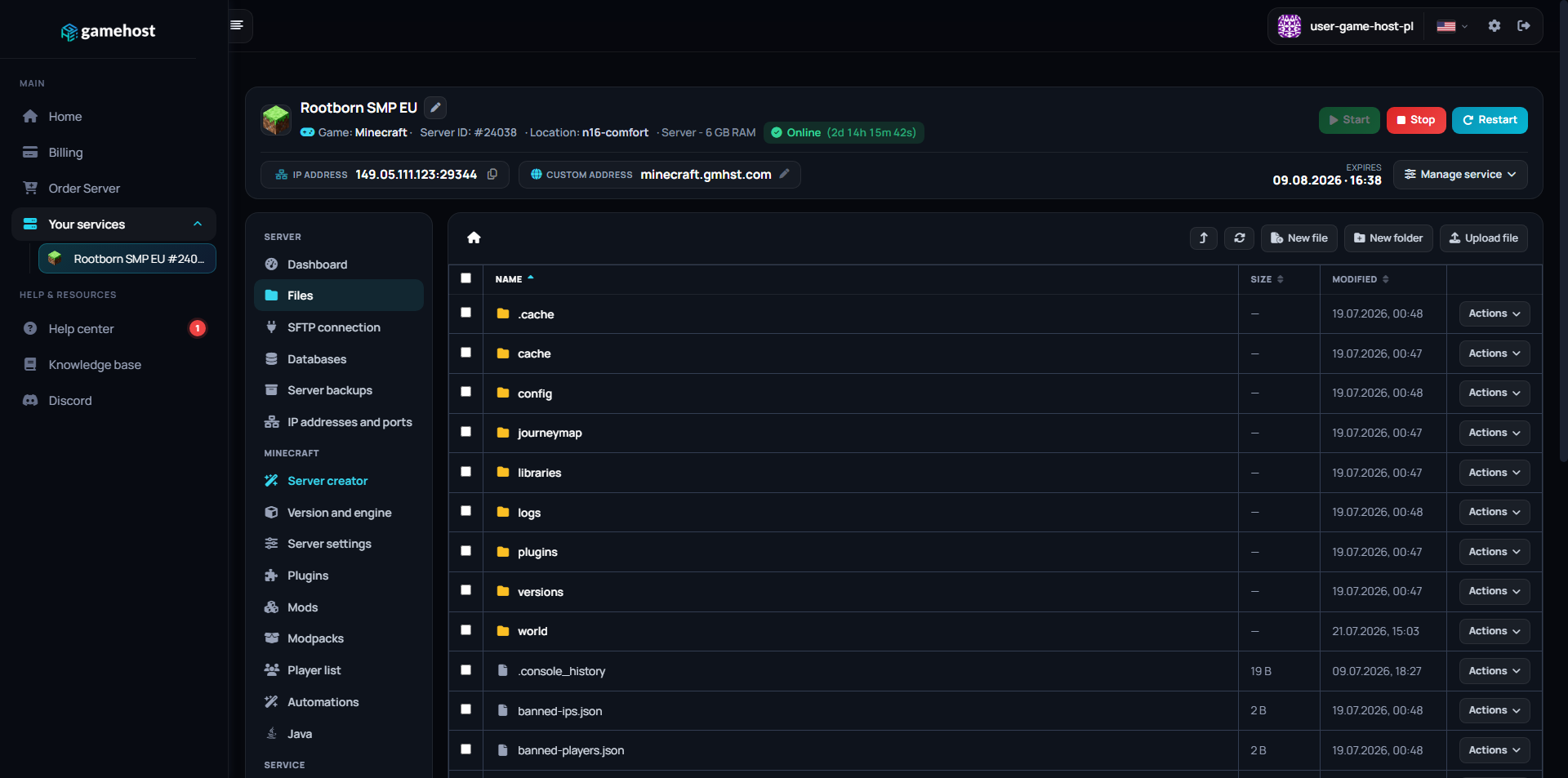
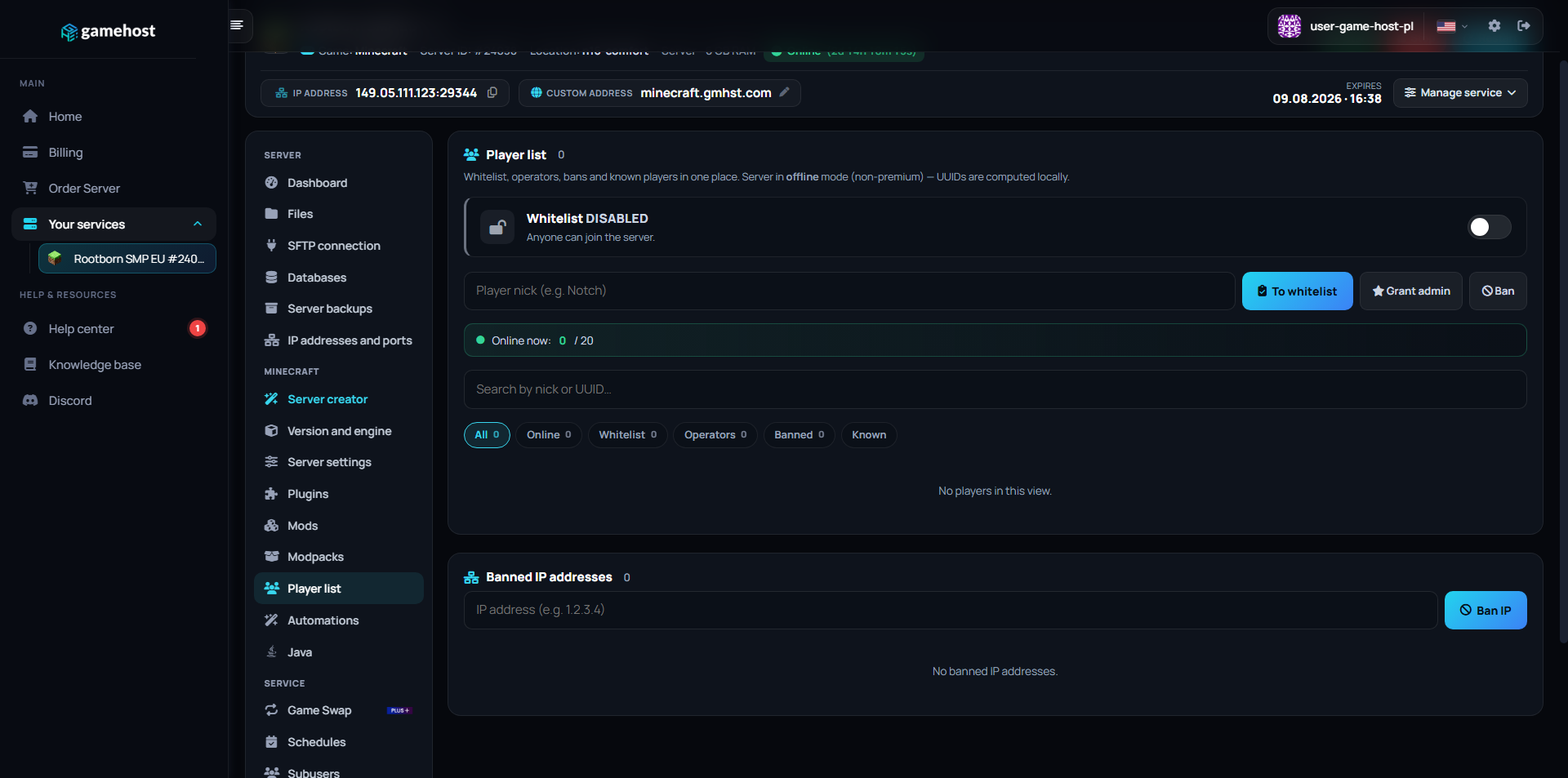
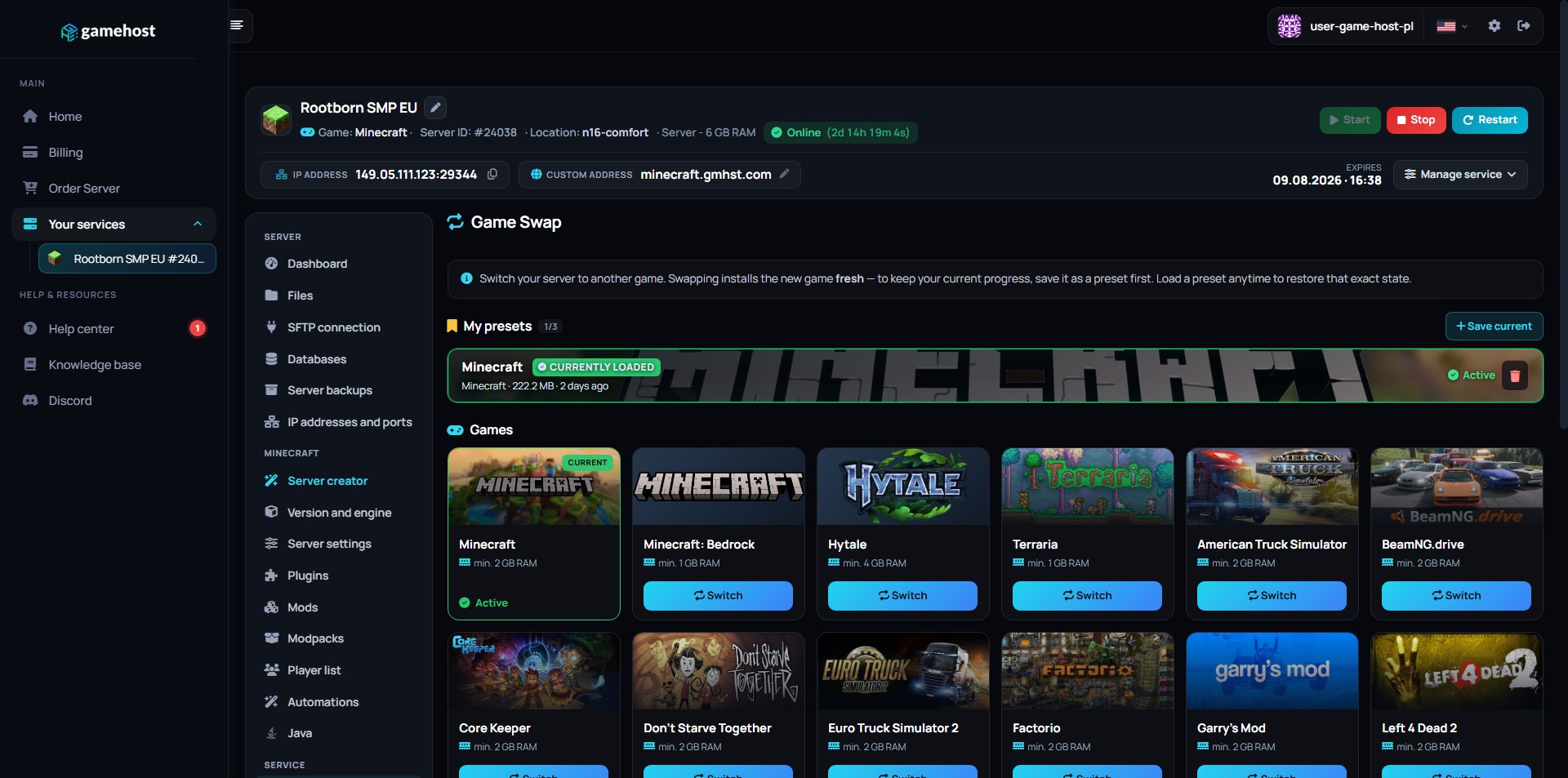
Our custom-built panel combines powerful tools with an intuitive design. Manage your server without needing a PhD in computer science.

Server dashboard Files Version & engine Modpacks Plugins Mods

FAQ / Questions & Answers

The process is fully automated. Your server is installed and launched immediately after your payment is confirmed (this usually takes less than 60 seconds).
You do everything in our panel: live console, file manager, restarting and shutting down the server, installing add-ons and monitoring resource usage. You don't need to connect via SSH or know any commands.
Absolutely! We give you full file access via SFTP as well as a convenient file manager in the panel. You can upload any engines, plugins and modifications without limits.
Yes! In the panel you can install any modpack from the biggest libraries with one click: CurseForge, Modrinth, Feed The Beast, ATLauncher and Technic. You pick the pack and version, and we automatically set up a server for it, select the right engine and install all the mods. You don't have to do anything by hand.
Yes. In the panel you can enable a voice mod (e.g. Simple Voice Chat) with one click, and we'll automatically open the required port. You can talk to your friends right inside the game, without any external programs.
Yes, you can upgrade your server to a higher plan at any time. The system automatically calculates the price difference, and your files remain untouched.
Yes. In the panel you can add a sub-user and grant them only selected permissions (e.g. just the console or files), without sharing your password. Perfect when several people run the server together.
Yes. Right at checkout you can add extras, for example a larger disk, additional CPU cores, a dedicated IP or automatic backups. You only pay for what you actually need.
Our infrastructure is located in Warsaw and Nuremberg (Falkenstein). This lets us deliver the lowest possible latency (ping) for players from Poland and all of Europe.
Yes. In the panel you can create a backup manually at any time, and when ordering you can add an automatic backup that makes a copy every day on its own. Restoring your data is just one click.

Your legend
begins here.

Don't waste time on complicated setup. Join thousands of happy players and build the world you've always dreamed of.

Minecraft Advanced Player