Home Minecraft Servers Hytale Servers All games Knowledge base Discord
PolskiEnglish
Client Panel
Choose a billing period

GameHost PLUS

Every plan includes Game Swaps — switch your server to any supported game whenever you want, at no extra cost.

1Pick a plan 2Launch any game 3Swap anytime

Features

NVMe SSD

Lightning-fast reads and saves.

Low Ping

Four locations across Europe.

Full file access

File manager and FTP, no restrictions.

Instant Setup

Your server is live in 60 seconds.

Backups

Backup slots included from 4 GB up, restore in one click.

24/7 Support

Technical support on Discord.

COMMAND CENTER

Full control
in one place.

Our custom-built panel combines powerful tools with an intuitive design. Manage your server without needing a PhD in computer science.

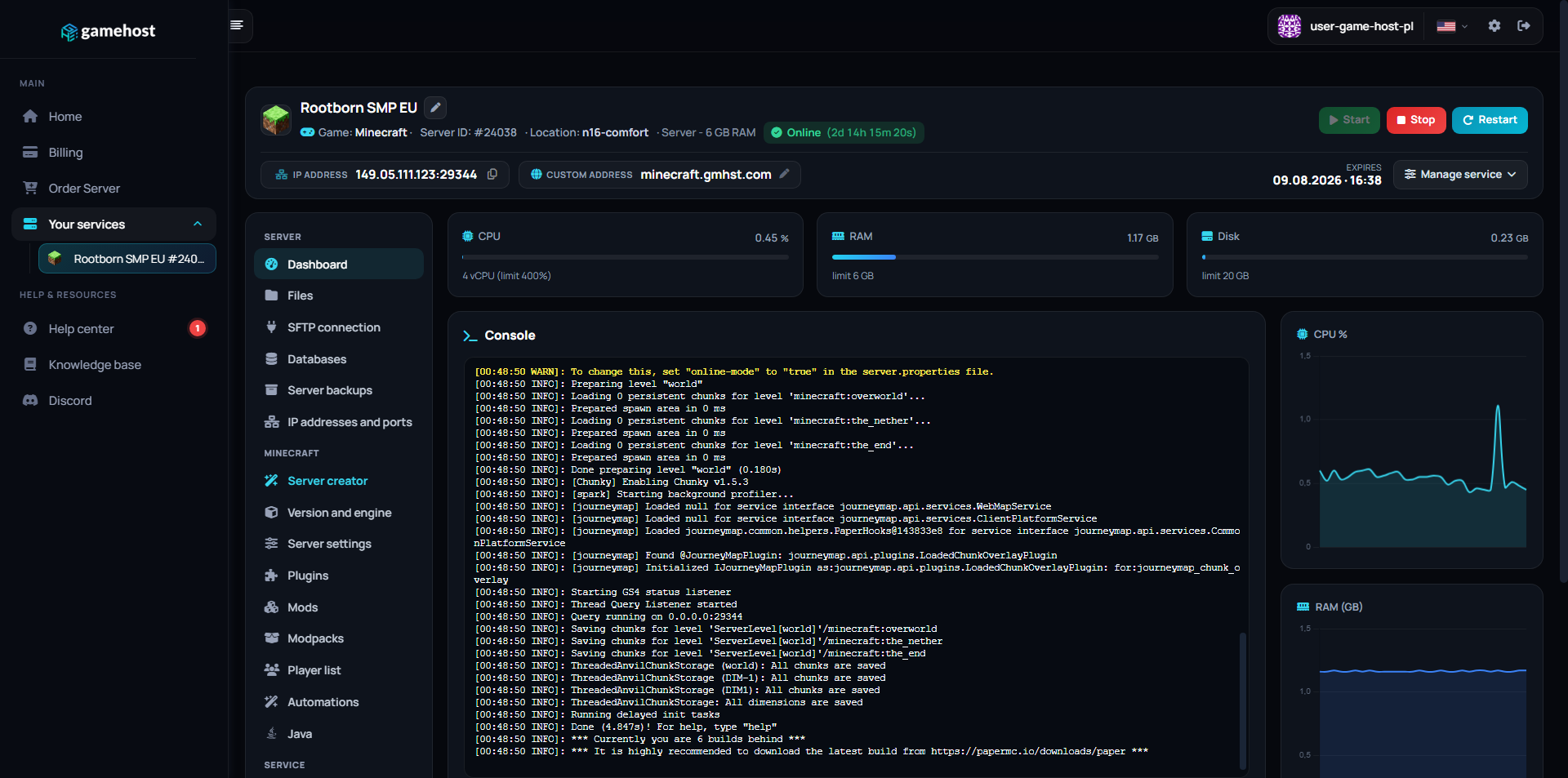
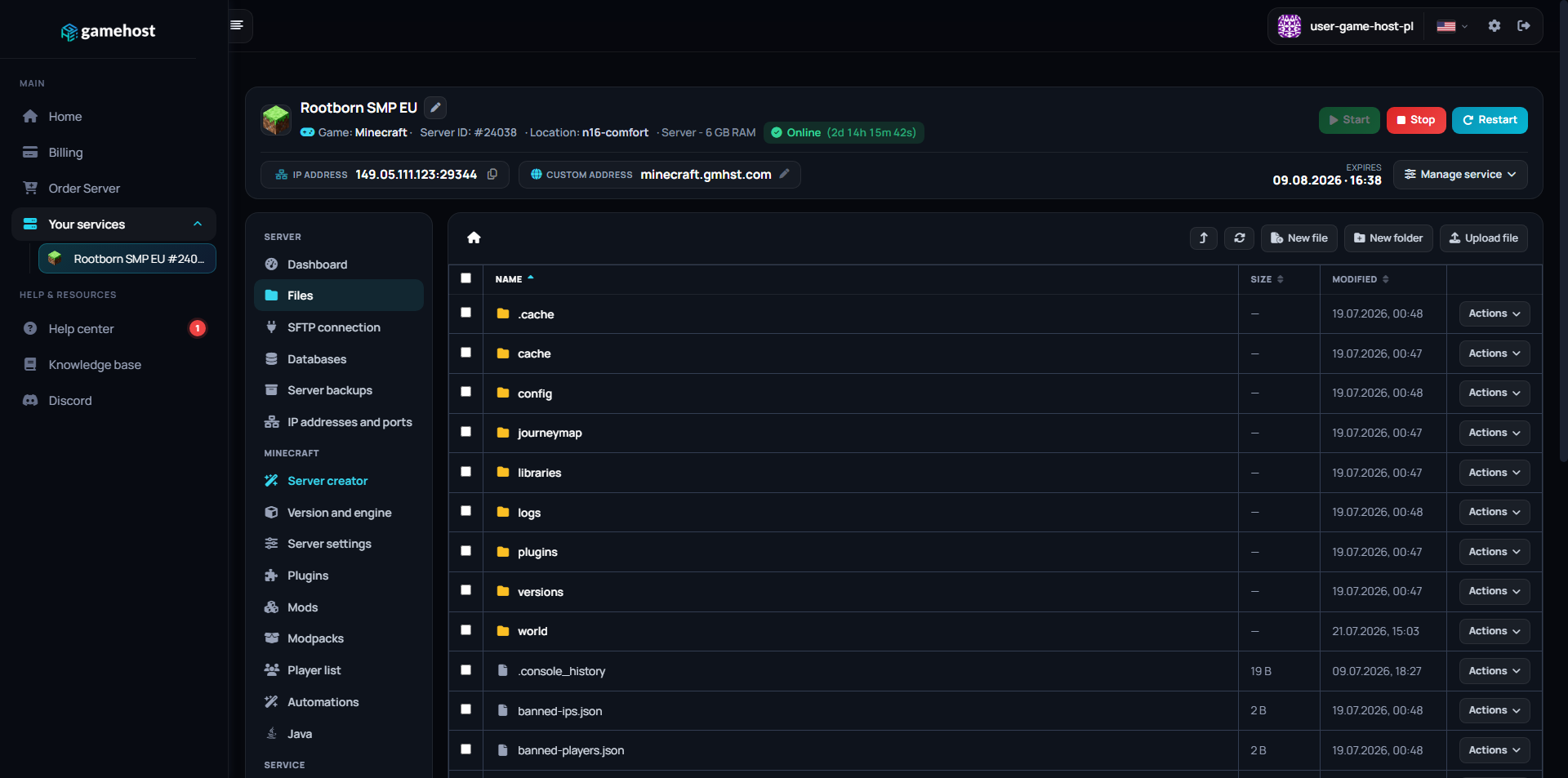
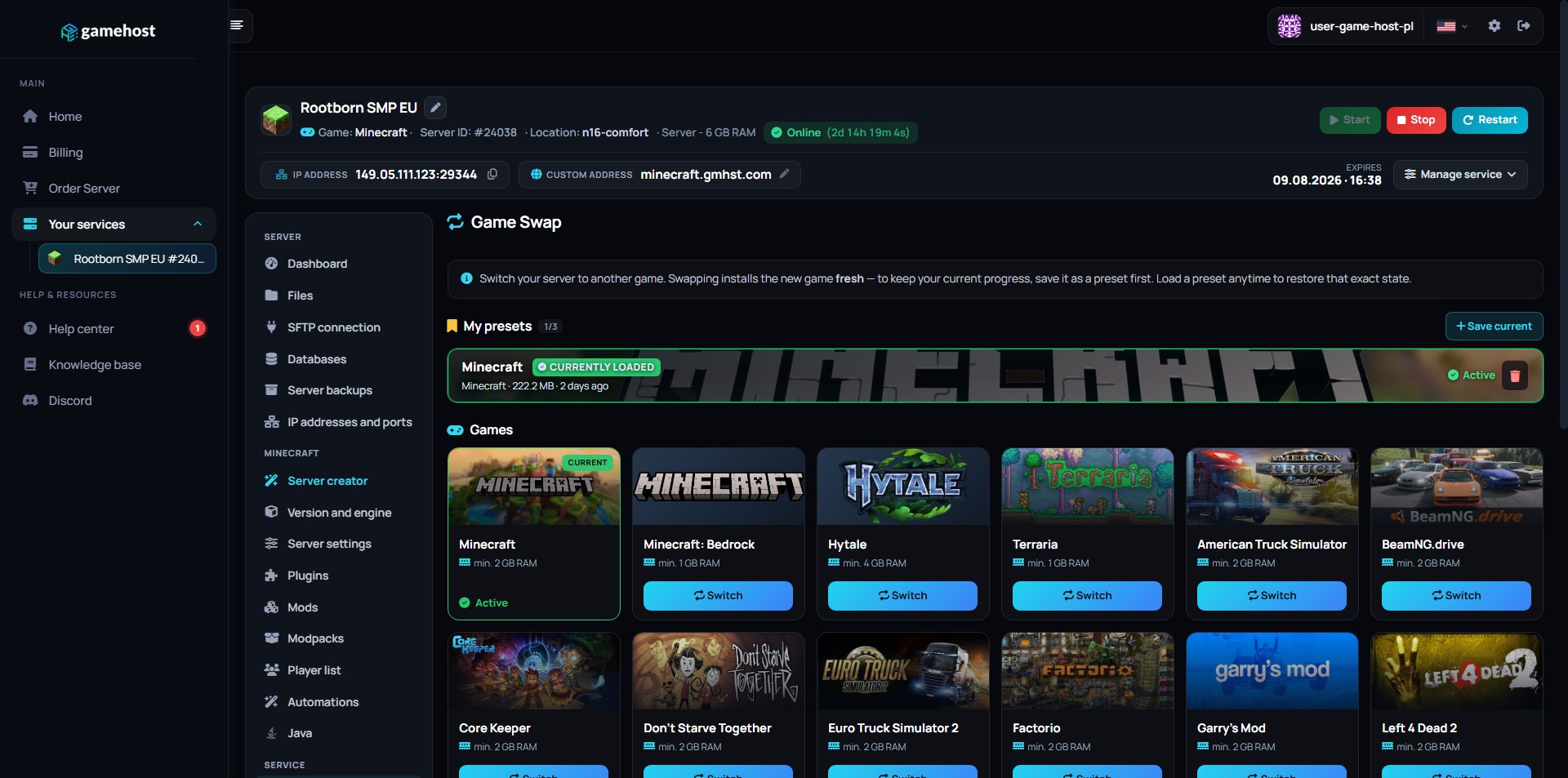
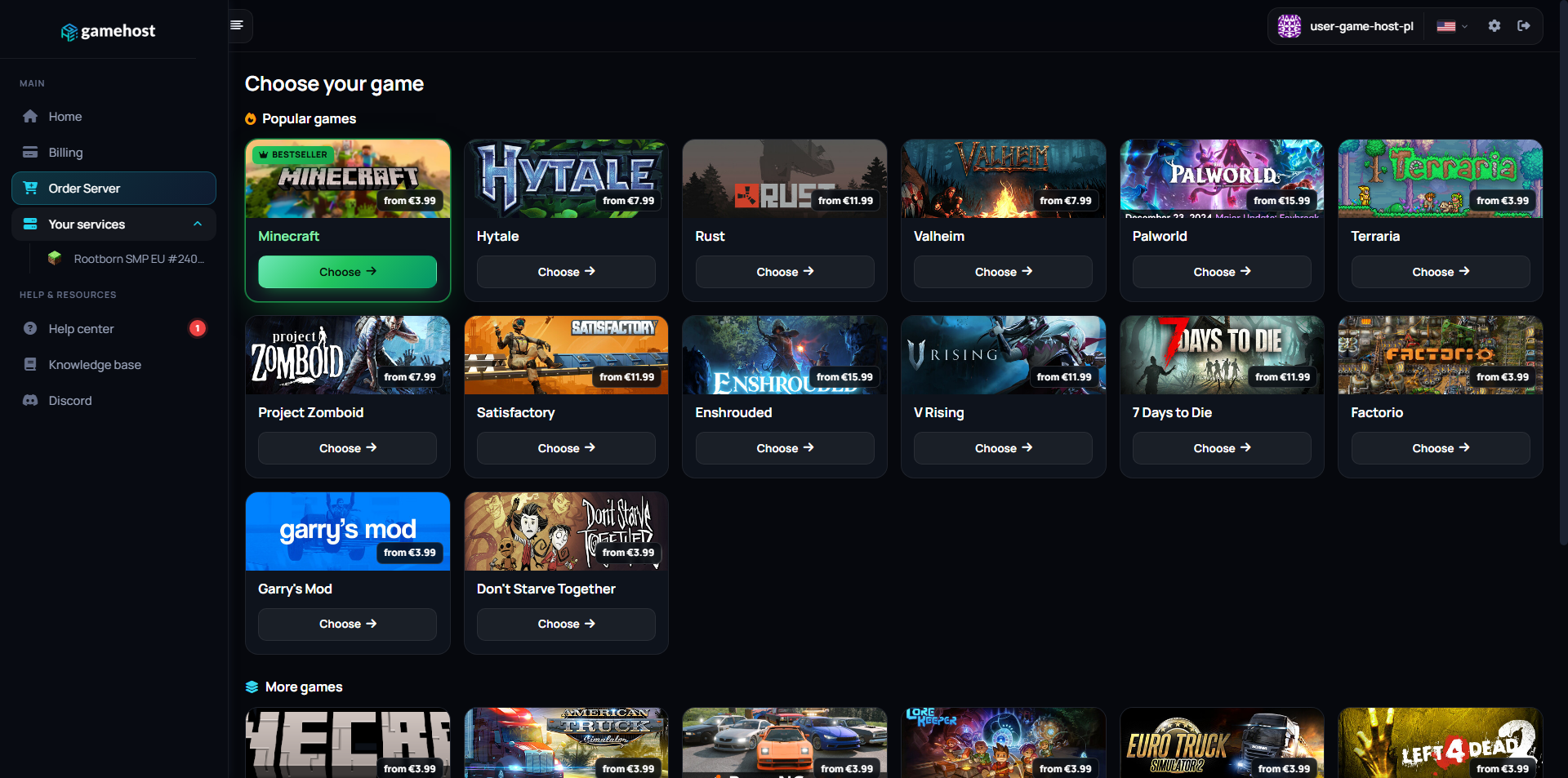
Server dashboard Files Game Swap Game library

FAQ / Questions & Answers

Our plans start at 2 GB (€3.99/mo), which is a sound starting point for a cruise or crash session with friends. The server mainly relays vehicle state rather than simulating the physics itself, so what pushes the requirement up is a larger group, a big mod and map pack being served to clients, and any server-side scripting you add. Move up a tier if you are opening the server to a wider community.
Multiplayer in BeamNG.drive is provided by a community mod, so everyone joining needs their own copy of the game plus the matching multiplayer client installed. Once they have it, they connect through its server list or directly with your address. It is worth checking that your group is on the same client version as the server, since version mismatches are the most common reason a join fails.
Yes. Mod files go into the server's client resources folder through the file manager or FTP, and the server then hands them to players when they connect. That covers custom maps as well as vehicles, and you set which map the server loads in its configuration file. Large mod packs mean a longer first join for players, so it is worth keeping the list to what you actually use.
The multiplayer project issues a free key that you paste into the server configuration, and it is what lets your server authenticate and appear in the public list. You generate it on their site and add it through the panel's file manager in a couple of minutes. If the key is missing or wrong, the console will tell you plainly on startup.
The panel gives you a live console showing everything the server logs, plus a file manager and FTP for the configuration and mod folders. Moderation such as kicks, bans and permissions is handled through the server's own settings and any admin plugin you choose to add. You can take a manual backup before changing a mod set and set scheduled restarts to keep long sessions healthy.
Yes. The configuration lets you decide whether the server is listed publicly or kept unlisted for people you share the address with, and you can restrict access further from the server's own settings. Every plan comes with a free *.gmhst.com address, and you can point your own domain at the server if you would rather hand out something memorable. Either way it stays online around the clock, not only when you are driving.
You choose your location when ordering: Falkenstein (Germany), Warsaw (Poland), London (UK) or Gravelines (France). Pick the one closest to you — the shorter the distance, the lower your ping.
Yes, and it costs nothing extra. Game Swaps are included in every plan: turn the same server into another supported game in one click, and each game keeps its own saved preset so nothing is lost when you swap back. Heavier games need more memory, so which titles you can run depends on the plan you pick — hover the info icon next to Game Swaps on any plan above to see how many that plan can run.

Other game servers

New here? Read the BeamNG.drive setup guide in our knowledge base.