Home Minecraft Servers Hytale Servers All games Knowledge base Discord
PolskiEnglish
Client Panel
Choose a billing period

GameHost PLUS

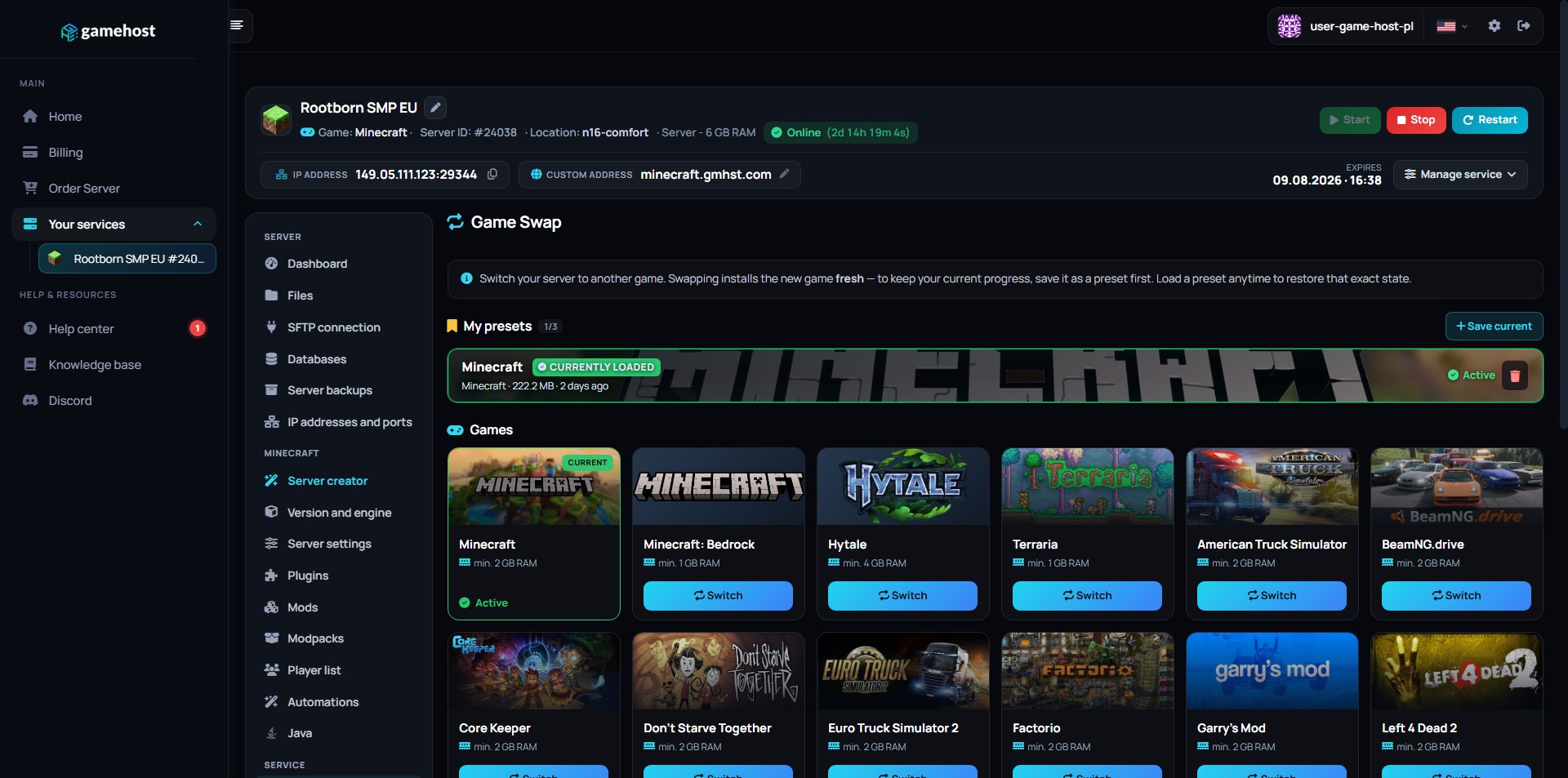
Every plan includes Game Swaps — switch your server to any supported game whenever you want, at no extra cost.

1Pick a plan 2Launch any game 3Swap anytime

Features

NVMe SSD

Lightning-fast reads and saves.

Low Ping

Four locations across Europe.

Full file access

File manager and FTP, no restrictions.

Instant Setup

Your server is live in 60 seconds.

Backups

Backup slots included from 4 GB up, restore in one click.

24/7 Support

Technical support on Discord.

COMMAND CENTER

Full control
in one place.

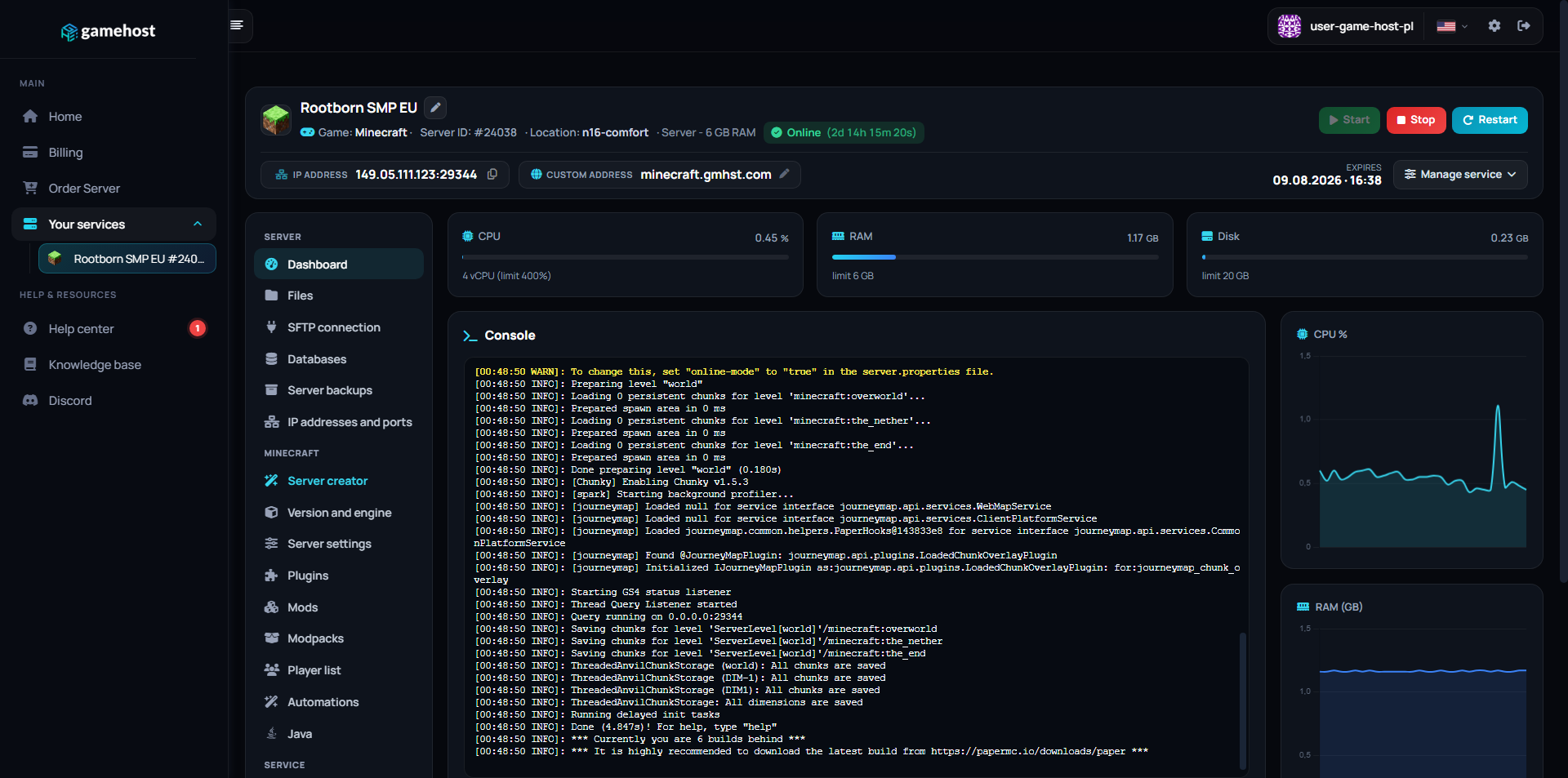
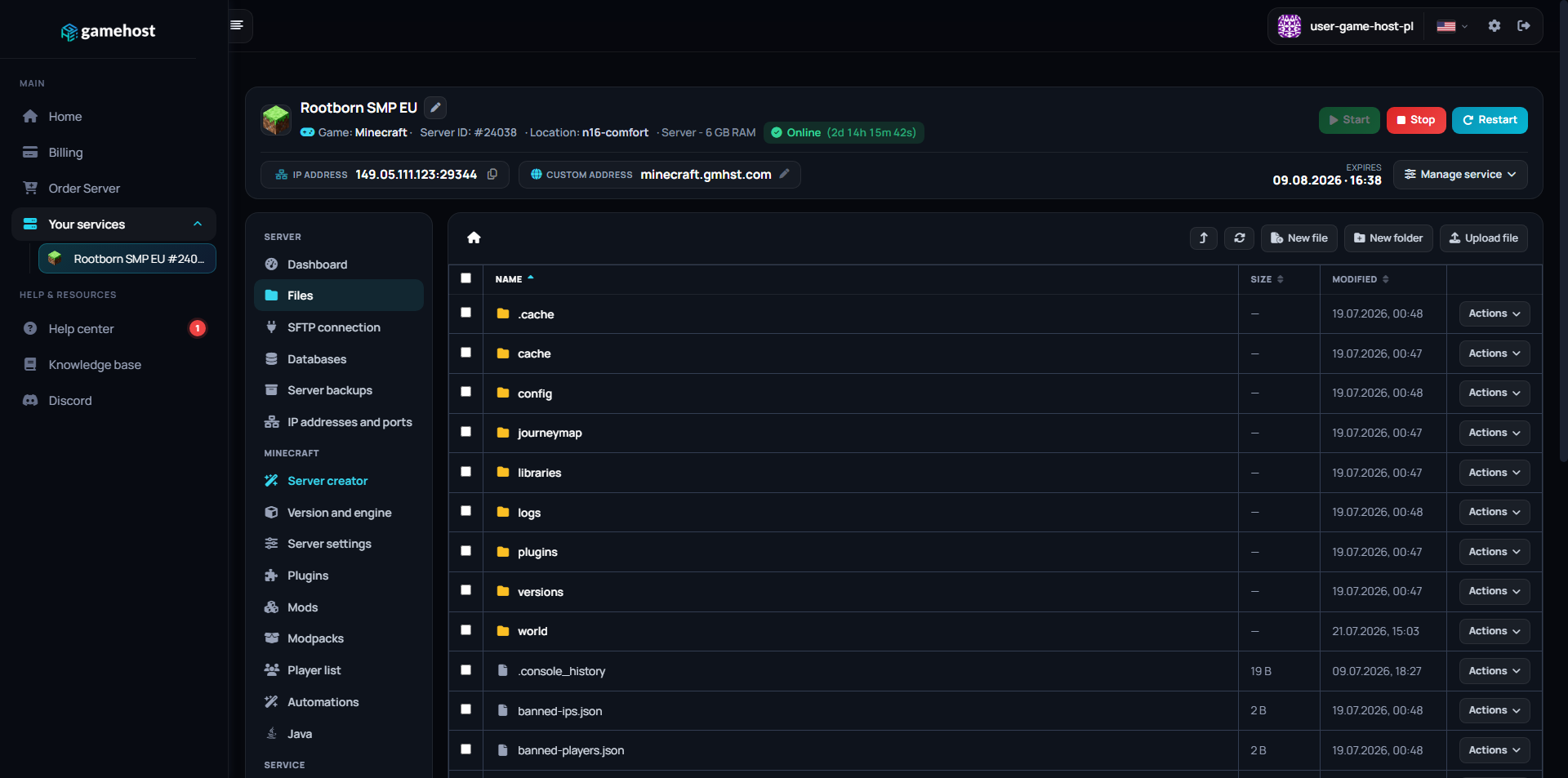
Our custom-built panel combines powerful tools with an intuitive design. Manage your server without needing a PhD in computer science.

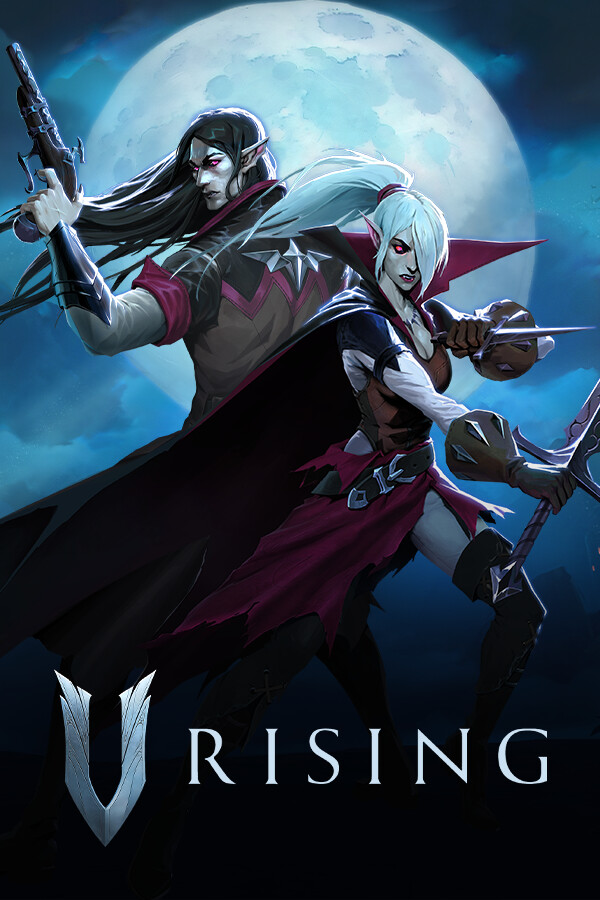
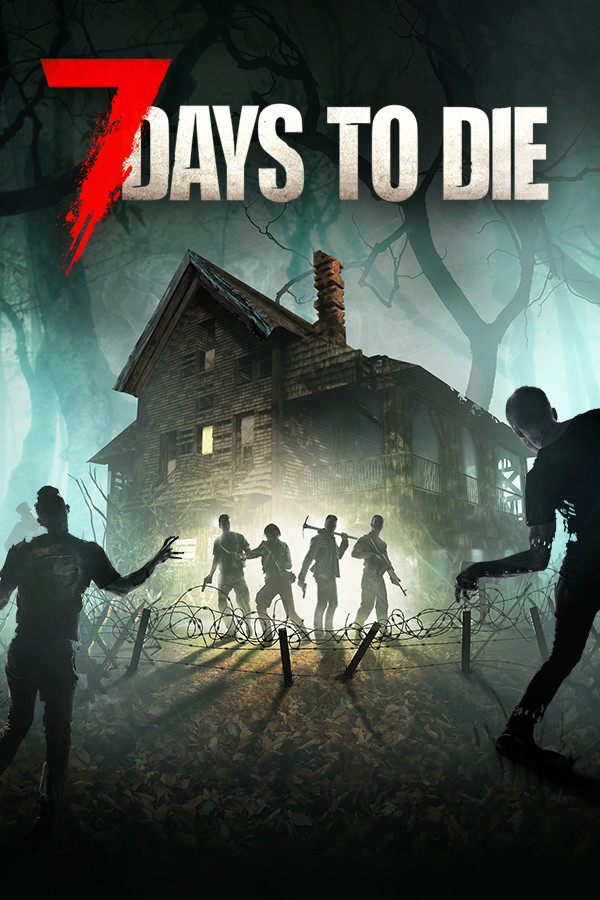
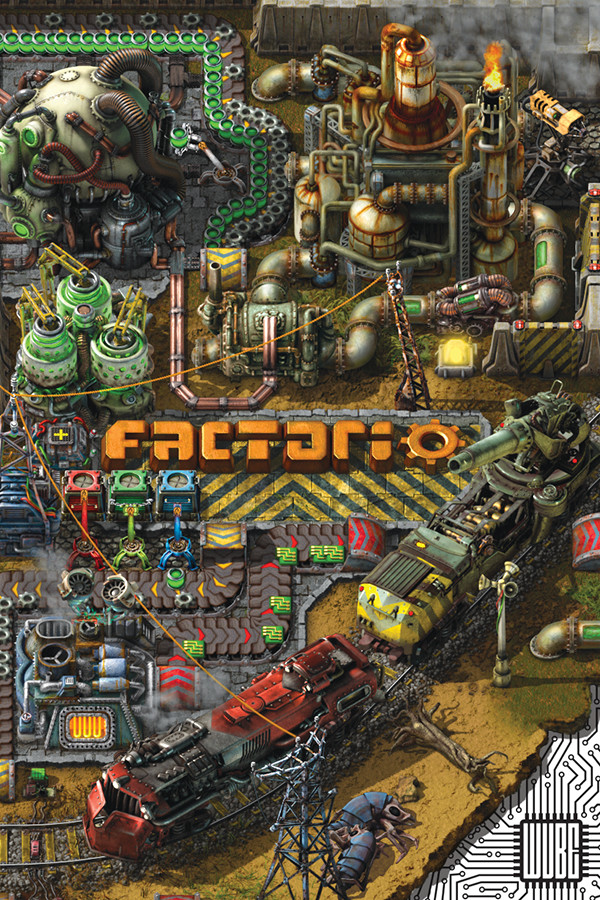
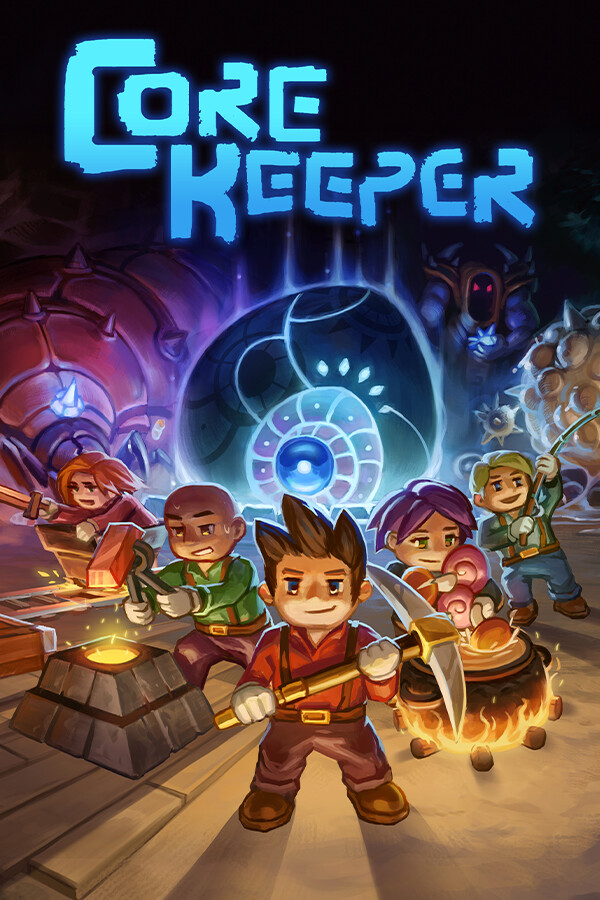
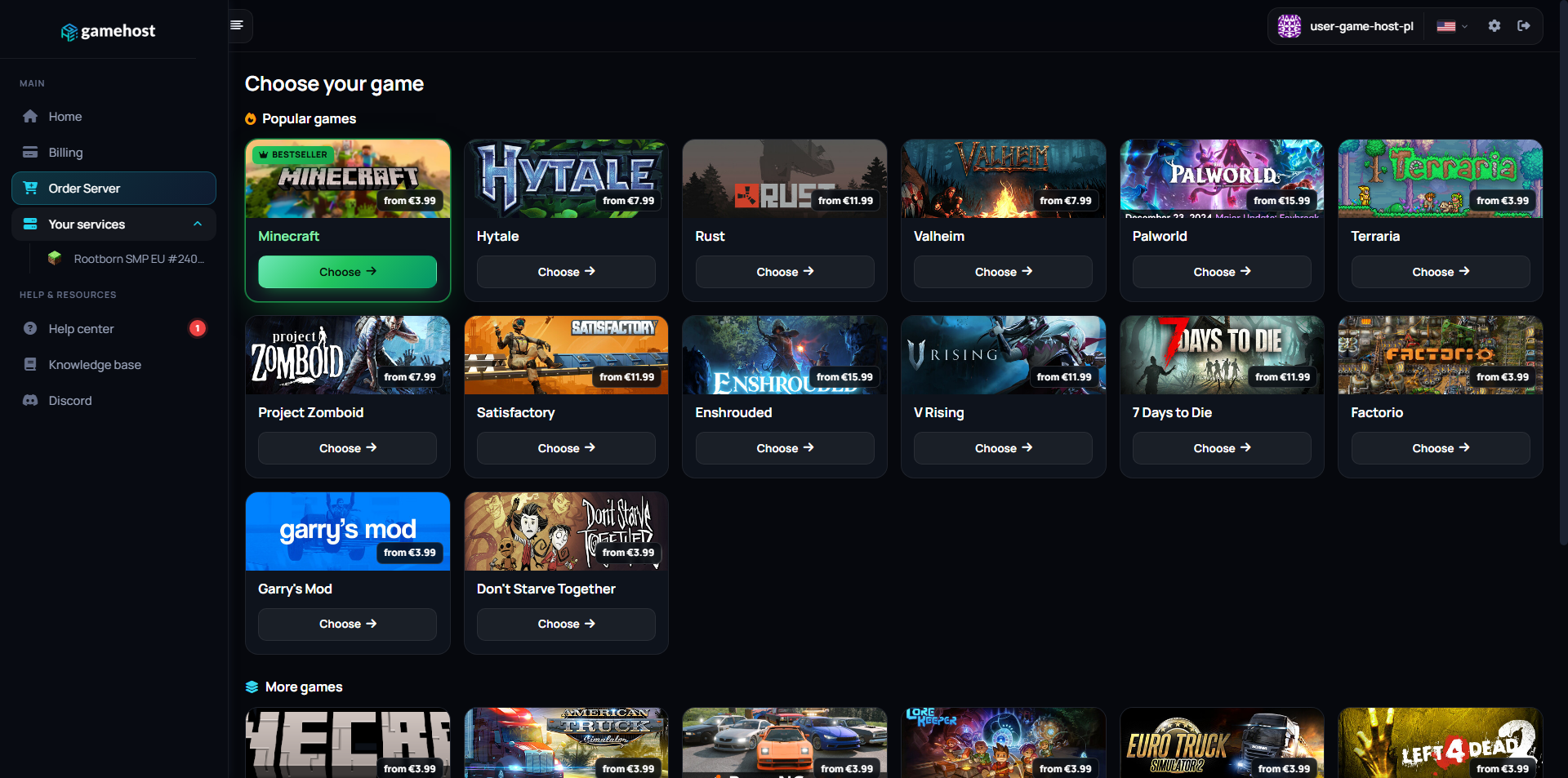
Server dashboard Files Game Swap Game library

FAQ / Questions & Answers

Our plans start at 2 GB, which is a comfortable starting point for a family or a group of friends on a new world. Step up if you are running a bigger community, a stack of add-ons, or a world that has been explored for years — generated terrain and player data both accumulate over time. You can upgrade later without touching your world.
No — a Bedrock server accepts Bedrock clients, and Java Edition is a separate game that speaks a different protocol. If your group is split across both, the simplest answer is to decide which edition everyone will use before you order. If you later change your mind, a Game Swap can turn the server into the other edition.
Yes. Bedrock uses behaviour and resource packs, which are folders you upload through the file manager or over FTP and then enable for your world. Resource packs can be pushed to players when they connect, so they do not have to install anything by hand. Packs are tied to a game version, so expect to update them when the server updates.
Yes. Export the world from your game, then upload the world folder into the server's worlds directory through the file manager or FTP and set it as the active world. Keep the original export until you have joined and confirmed everything is there. After that, take a manual backup in the panel — how many you can keep depends on the backup slots included in your plan, and automatic daily backups are available as a paid add-on.
We do not impose an artificial cap — the maximum player count is a line in the server properties that you control. The practical limit is your plan's RAM and CPU, plus what the game itself handles well. If your world is busy and full of redstone and farms, more memory helps more than a bigger number in the config.
Bedrock runs on Windows, phones and tablets, and consoles, and you give players the free *.gmhst.com address that comes with every plan — or your own domain if you point one at the server. On Windows and mobile you simply add the address as a server. Consoles can be less straightforward for servers outside the featured list, and the steps vary by platform, so check what your console currently allows.
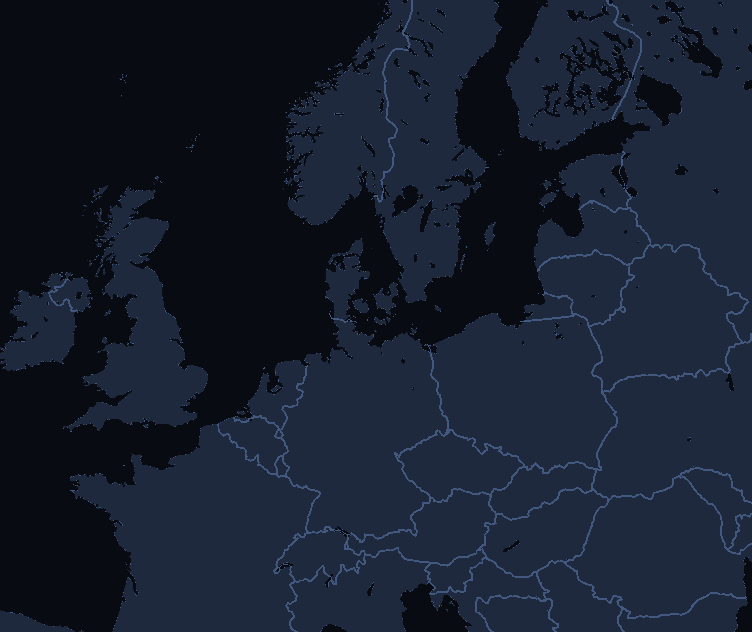
You choose your location when ordering: Falkenstein (Germany), Warsaw (Poland), London (UK) or Gravelines (France). Pick the one closest to you — the shorter the distance, the lower your ping.
Yes, and it costs nothing extra. Game Swaps are included in every plan: turn the same server into another supported game in one click, and each game keeps its own saved preset so nothing is lost when you swap back. Heavier games need more memory, so which titles you can run depends on the plan you pick — hover the info icon next to Game Swaps on any plan above to see how many that plan can run.

Other game servers

New here? Read the Minecraft Bedrock setup guide in our knowledge base.