Home Minecraft Servers Hytale Servers All games Knowledge base Discord
PolskiEnglish
Client Panel
Choose a billing period

GameHost PLUS

Every plan includes Game Swaps — switch your server to any supported game whenever you want, at no extra cost.

1Pick a plan 2Launch any game 3Swap anytime

Features

NVMe SSD

Lightning-fast reads and saves.

Low Ping

Four locations across Europe.

Full file access

File manager and FTP, no restrictions.

Instant Setup

Your server is live in 60 seconds.

Backups

Backup slots included from 4 GB up, restore in one click.

24/7 Support

Technical support on Discord.

COMMAND CENTER

Full control
in one place.

Our custom-built panel combines powerful tools with an intuitive design. Manage your server without needing a PhD in computer science.

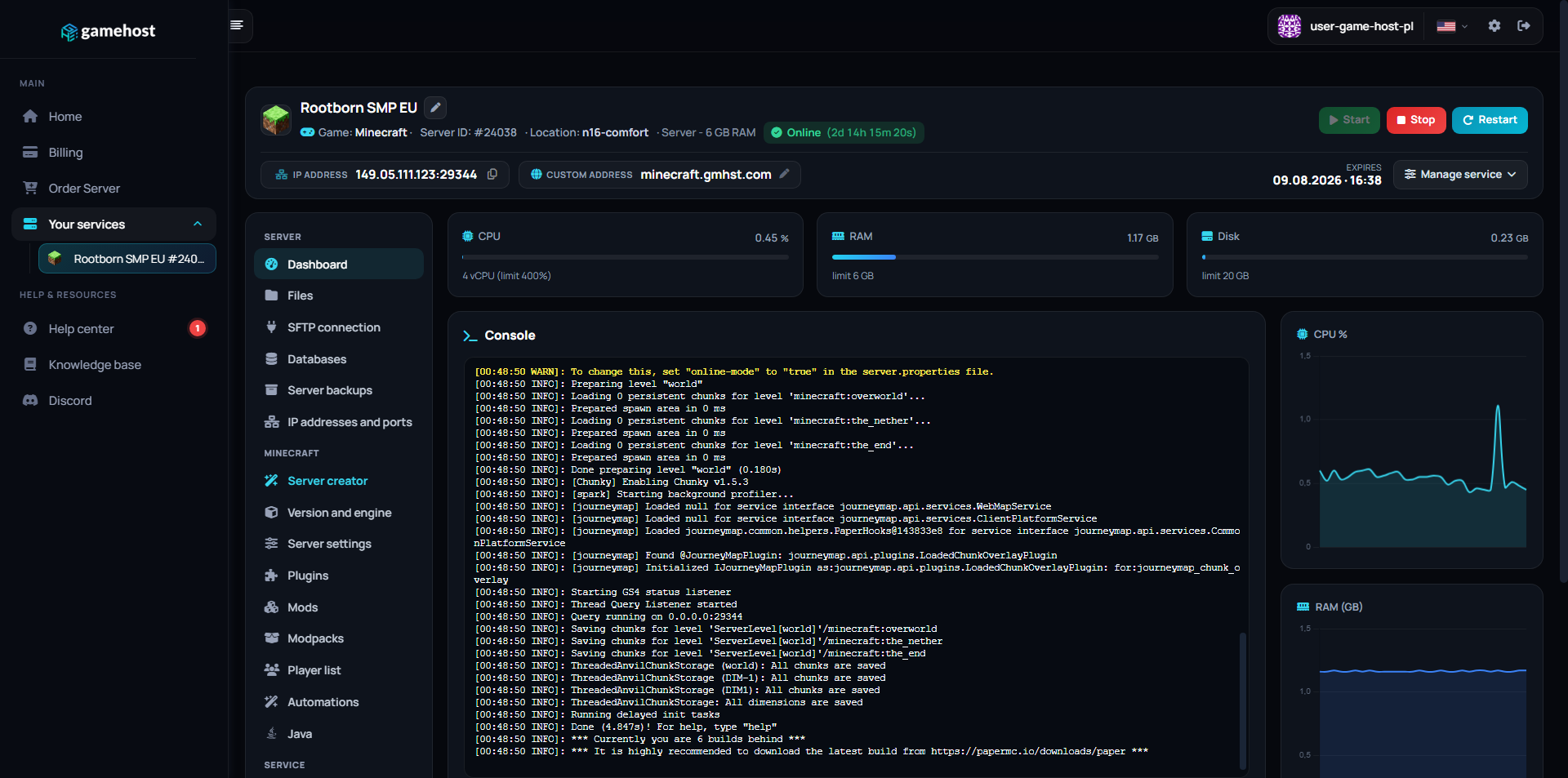
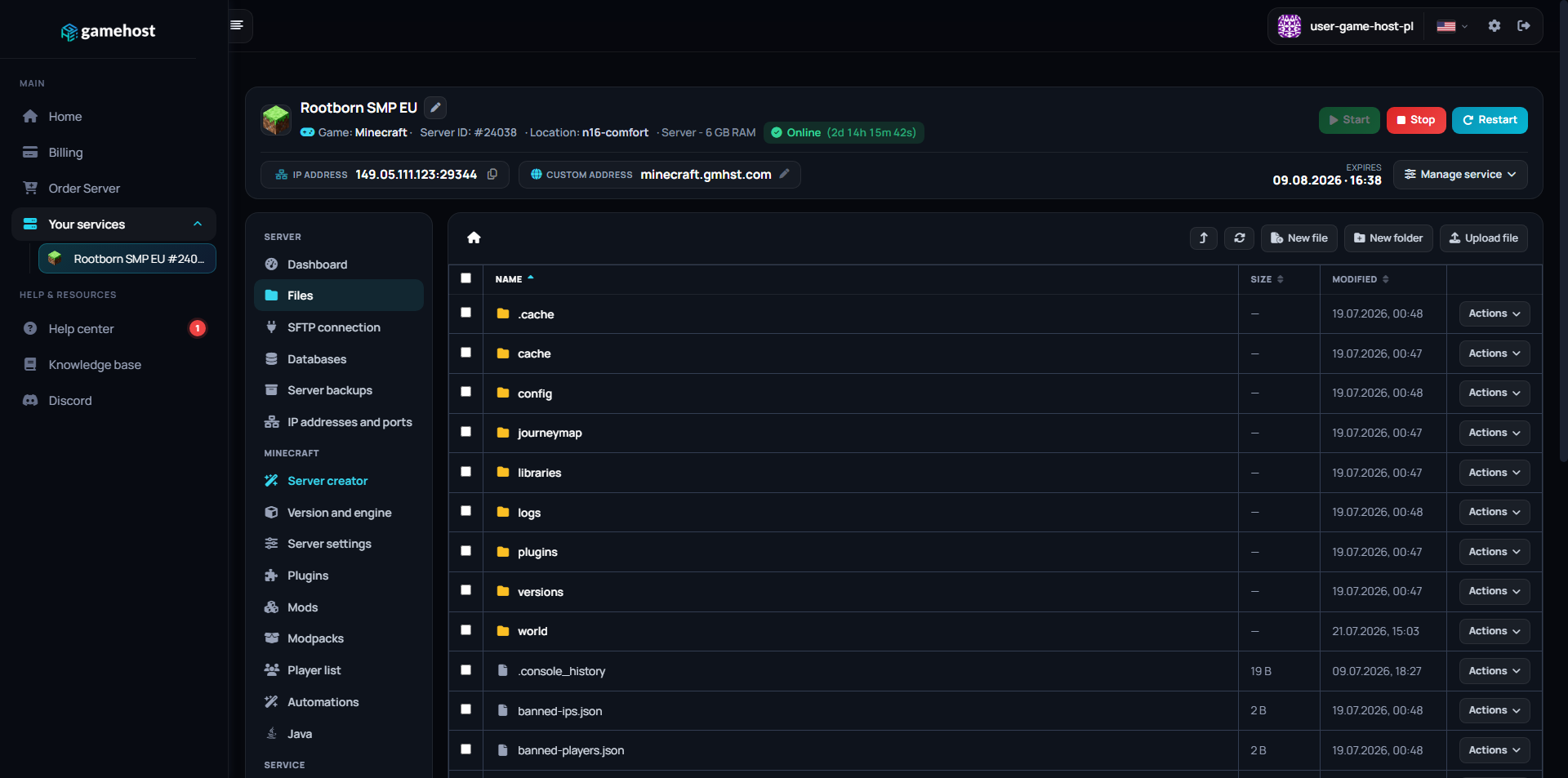
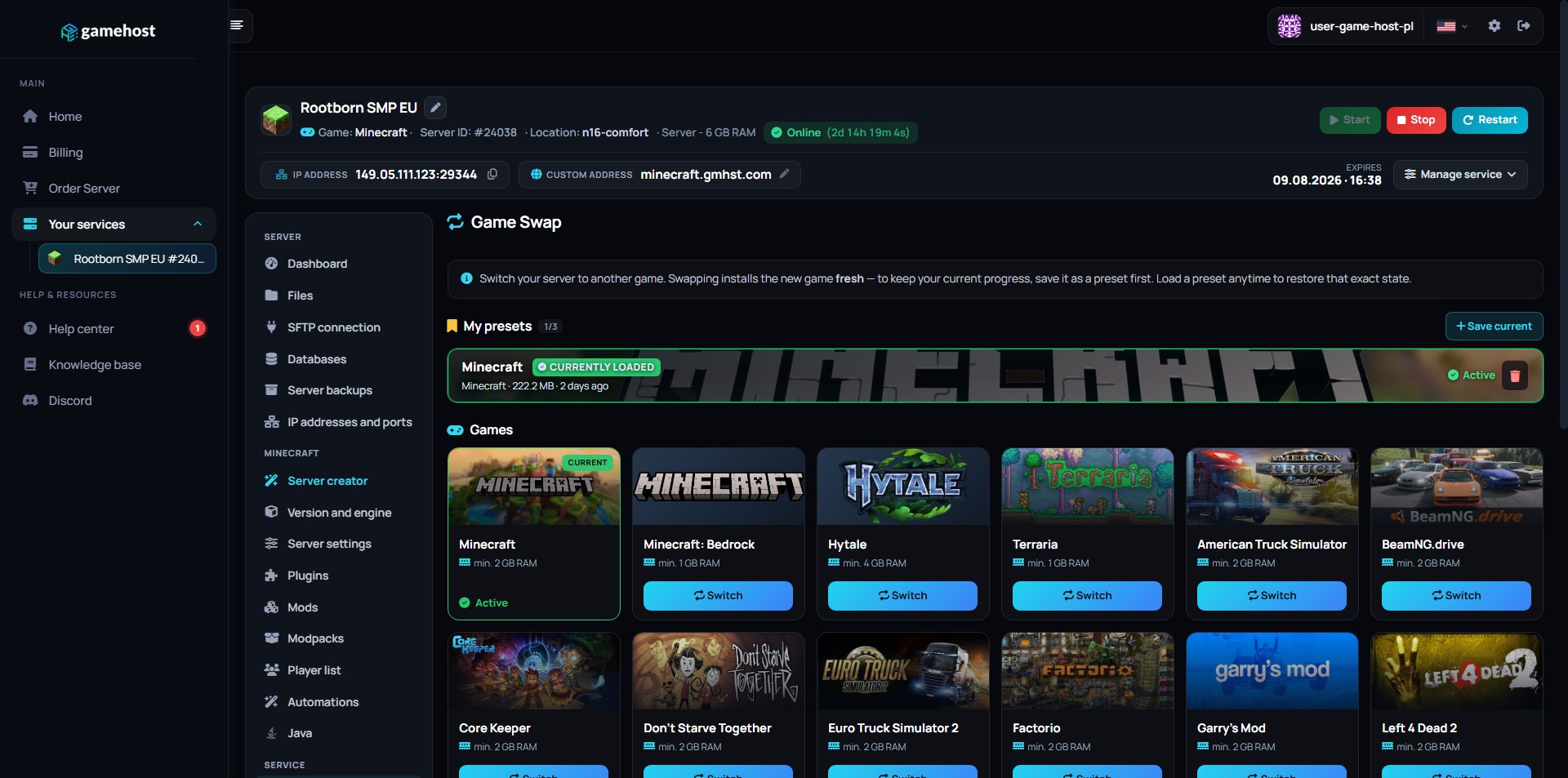
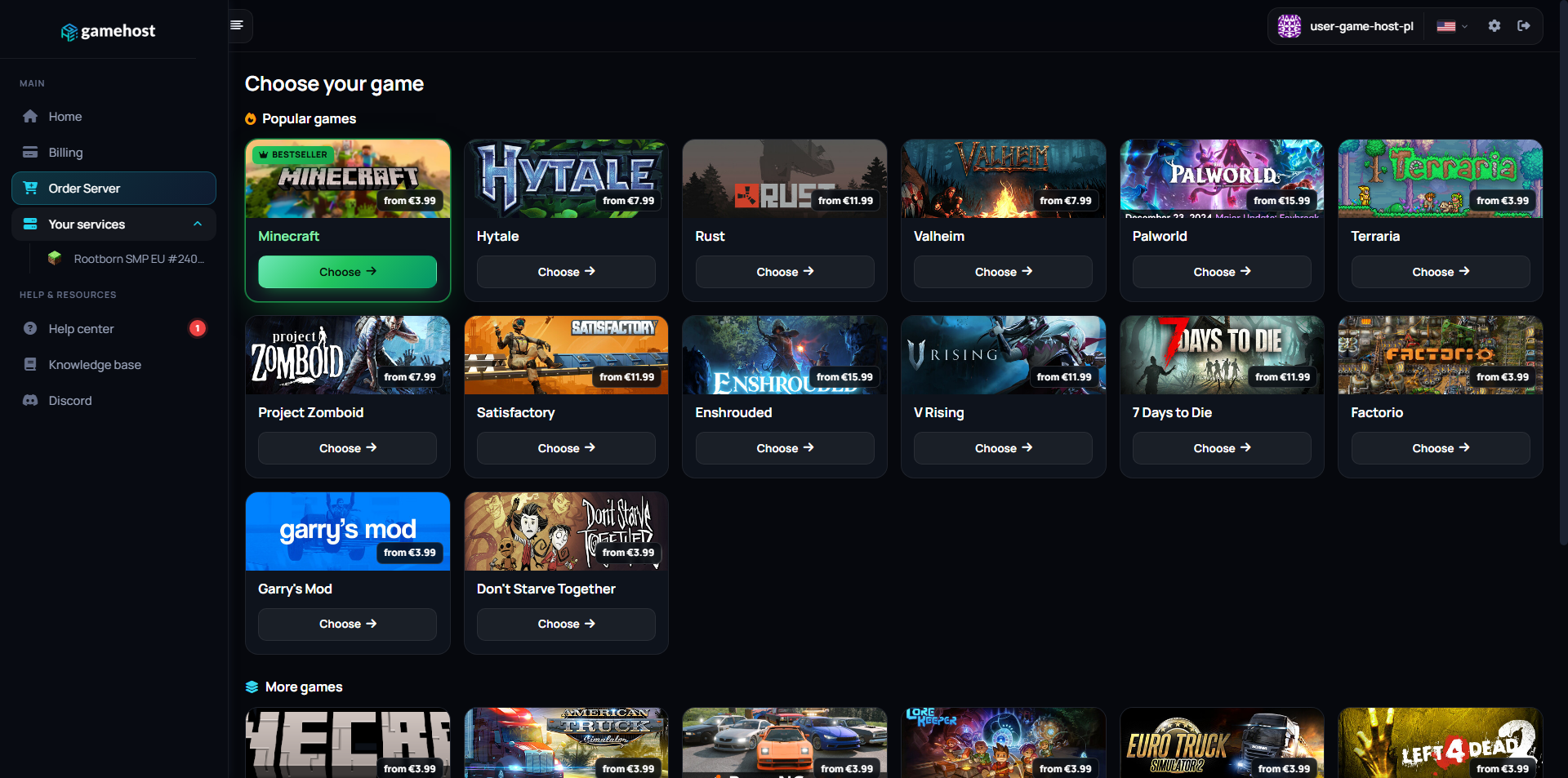
Server dashboard Files Game Swap Game library

FAQ / Questions & Answers

Our plans start at 4 GB, which suits a small group of friends running the base game. Memory use climbs as more players spread out across the map, as you stack Workshop mods, and as a long-running save accumulates loot, vehicles and built-up bases. If you are planning a large mod list or a server that stays alive for months, step up a tier — you can move up later without losing your world.
Yes. Project Zomboid mods come from the Steam Workshop, and you add them by listing the Workshop IDs and mod IDs in the server config file, which you can edit straight from the panel. The server downloads them on the next start, so there is nothing to upload by hand. Take a backup before adding or removing mods on an existing save — mods that change items or the map can disturb a world that is already running.
In practice yes — the mod list has to match between the server and everyone connecting, or players get turned away at the loading screen. Steam usually handles this for them once they subscribe to the same Workshop collection, so the easiest approach is to publish one collection and point your players at it. Whenever you change the server list, tell your group so they update on their side too.
Sometimes. A world you already hosted yourself can usually be uploaded through the file manager or FTP into the server's save folder, keeping your builds and map changes. A pure single-player save is not stored the same way and does not always transfer cleanly, so treat it as worth trying rather than guaranteed. Keep a copy of the original files and take a backup before you overwrite anything.
Yes. The panel gives you a live console where you can type server commands, plus a file manager and FTP for every config and save file. You also set an admin account for in-game moderation, so you can kick, ban or teleport without leaving the game. Manual backups and scheduled restarts are in the same panel.
All of it. Zombie population and speed, loot rarity, day length, PvP, safehouses and the rest live in the sandbox and server config files, and you can edit them at any time and restart to apply. Some settings only affect newly generated parts of the map, so the earlier you decide on your ruleset, the better.
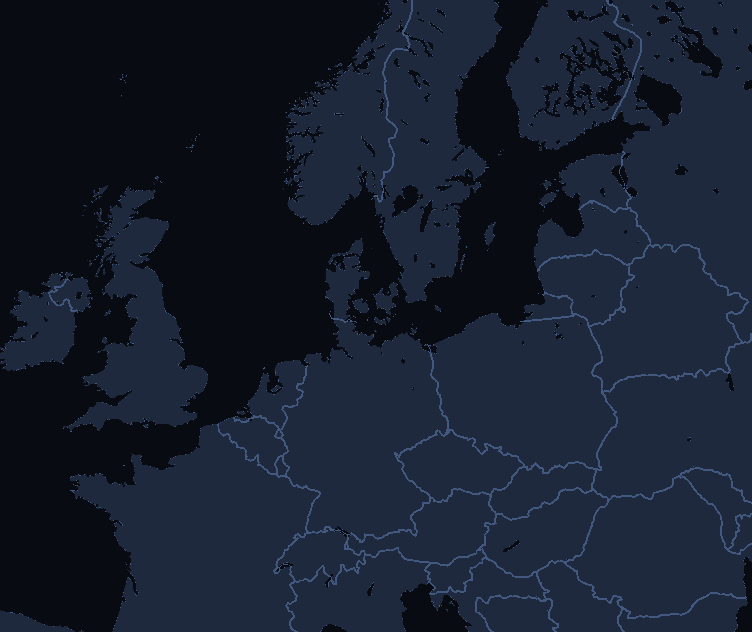
You choose your location when ordering: Falkenstein (Germany), Warsaw (Poland), London (UK) or Gravelines (France). Pick the one closest to you — the shorter the distance, the lower your ping.
Yes, and it costs nothing extra. Game Swaps are included in every plan: turn the same server into another supported game in one click, and each game keeps its own saved preset so nothing is lost when you swap back. Heavier games need more memory, so which titles you can run depends on the plan you pick — hover the info icon next to Game Swaps on any plan above to see how many that plan can run.

Other game servers

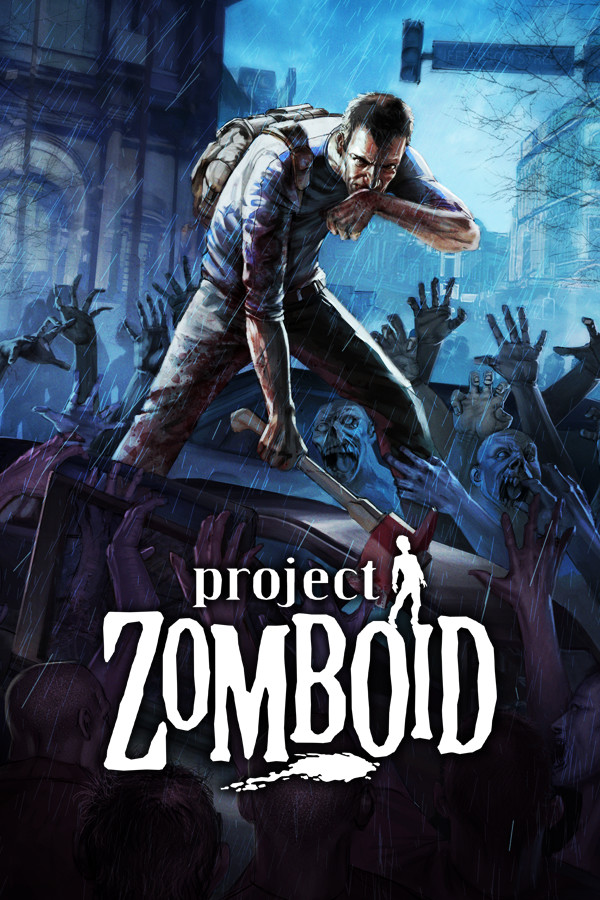
New here? Read the Project Zomboid setup guide in our knowledge base.