Home Minecraft Servers Hytale Servers All games Knowledge base Discord
PolskiEnglish
Client Panel
Choose a billing period

GameHost PLUS

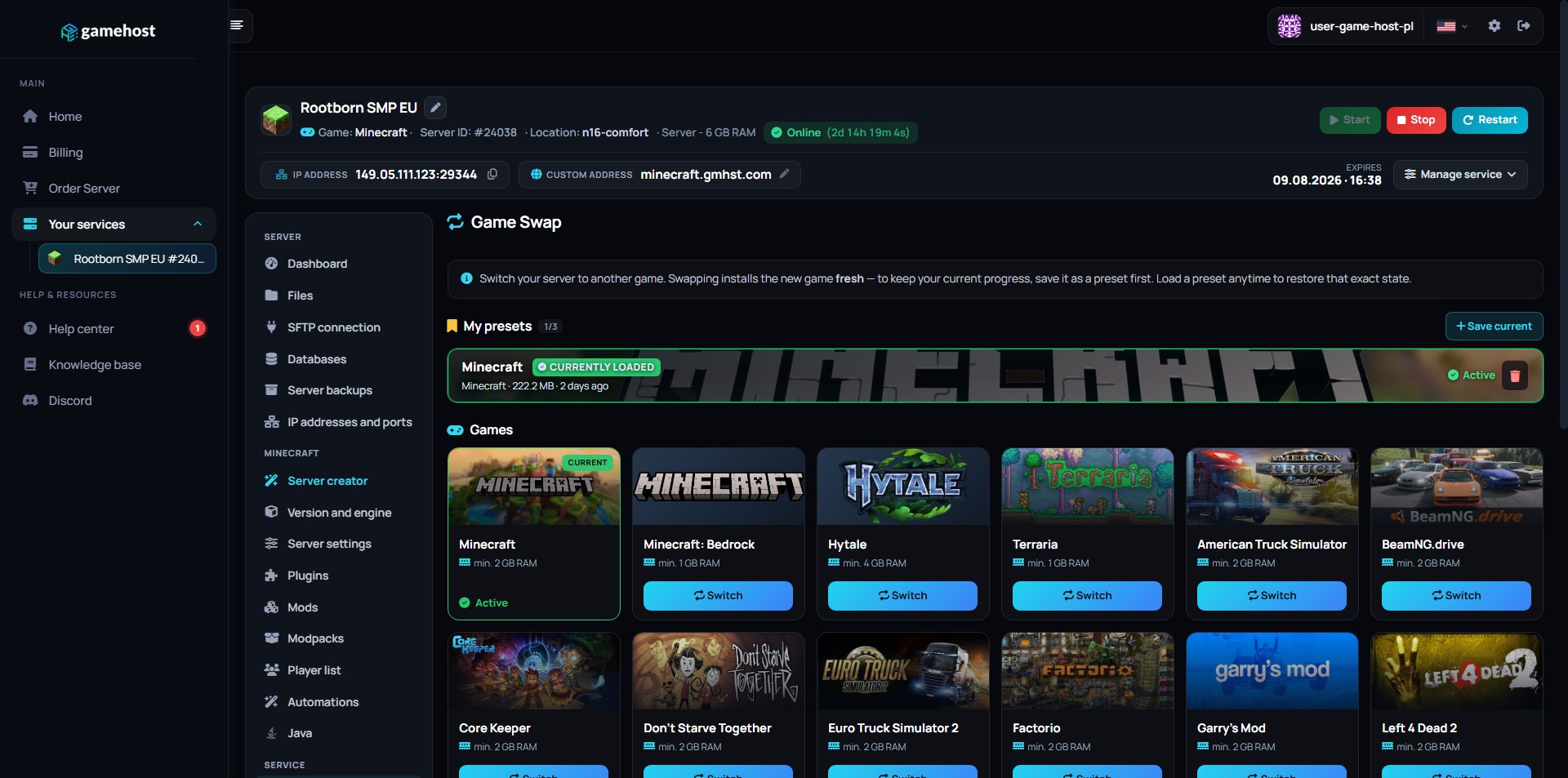
Every plan includes Game Swaps — switch your server to any supported game whenever you want, at no extra cost.

1Pick a plan 2Launch any game 3Swap anytime

Features

NVMe SSD

Lightning-fast reads and saves.

Low Ping

Four locations across Europe.

Full file access

File manager and FTP, no restrictions.

Instant Setup

Your server is live in 60 seconds.

Backups

Backup slots included from 4 GB up, restore in one click.

24/7 Support

Technical support on Discord.

COMMAND CENTER

Full control
in one place.

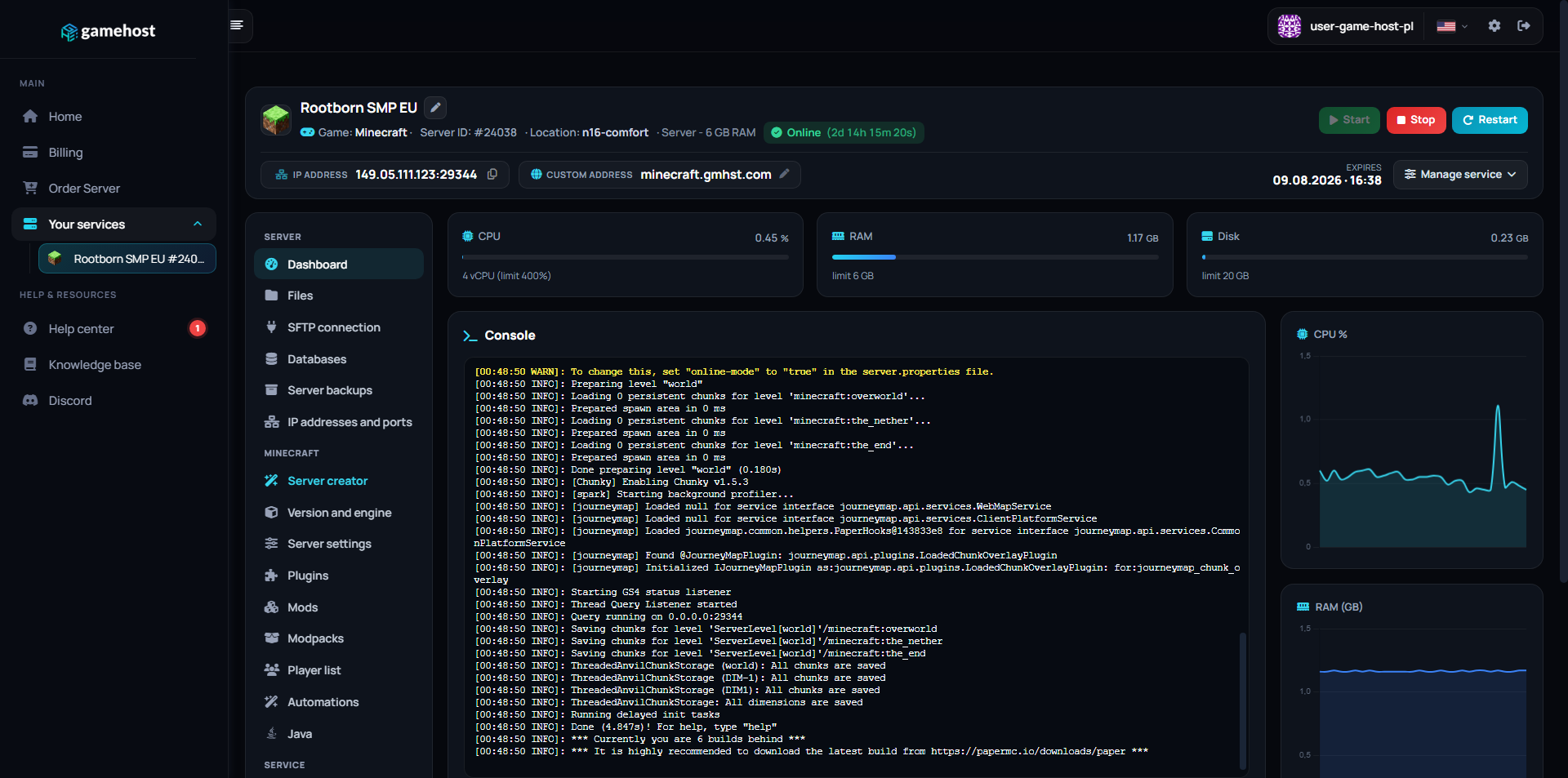
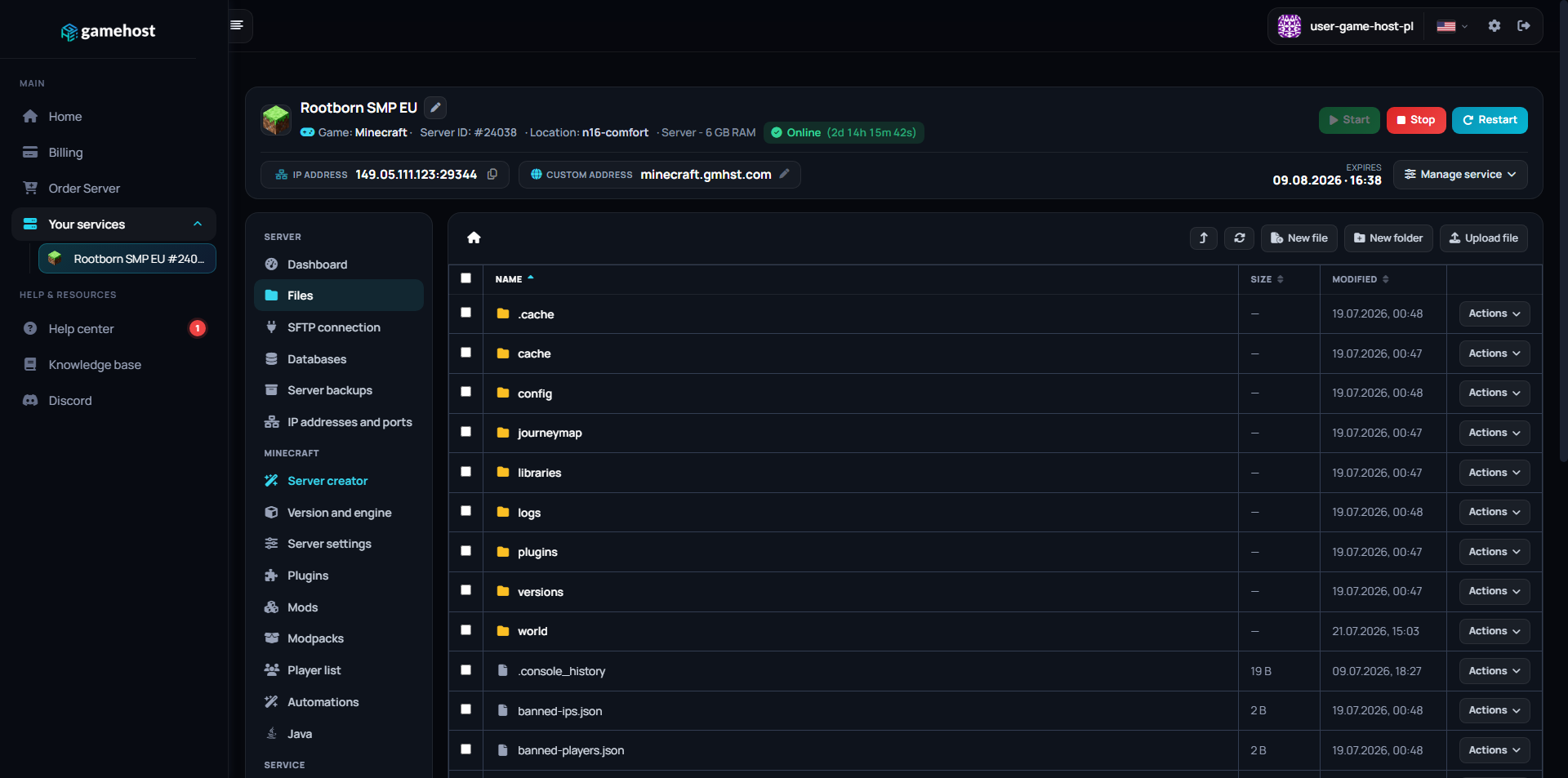
Our custom-built panel combines powerful tools with an intuitive design. Manage your server without needing a PhD in computer science.

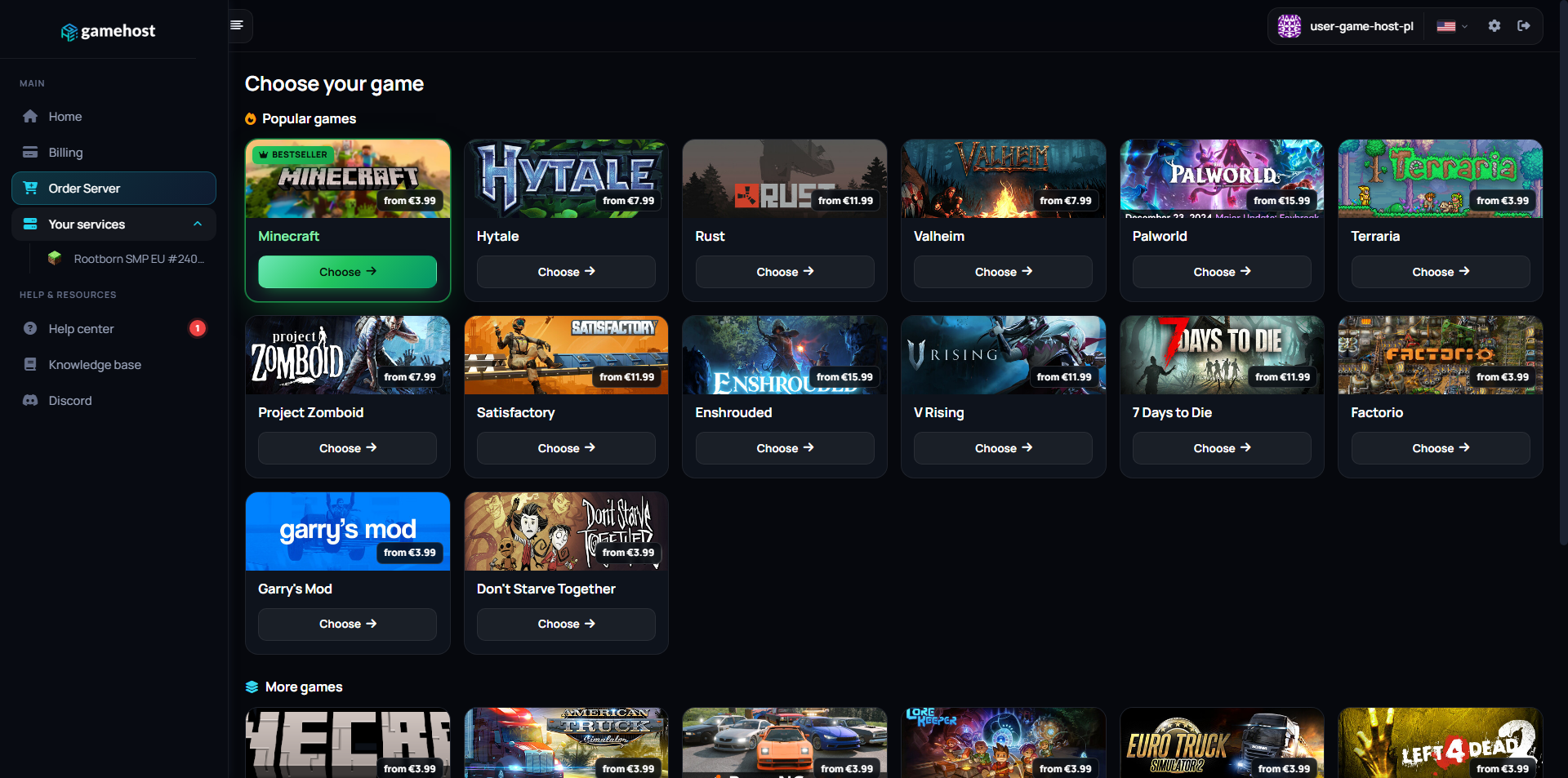
Server dashboard Files Game Swap Game library

FAQ / Questions & Answers

Our plans start at 2 GB (€3.99/mo), which is a reasonable home for a small group on a surface-only world. Two things push the requirement up: running a caves shard alongside the overworld, since that is effectively a second world process, and a heavy mod list. A long-running world that has been built up over many seasons also gets steadily larger, so give yourself room if you plan to keep one going.
Yes. A full cluster runs the overworld and the caves as linked shards so players can move between them through sinkholes. It does mean two world processes rather than one, so it uses noticeably more memory than a surface-only setup. If you are unsure, start surface-only and add caves once you know the world is one you want to keep.
Yes. Mods are listed by their Workshop ID in the server's mod setup and configuration files, which you edit through the file manager or FTP, and the server fetches them on start. Any mod settings that are normally toggled in-game are set in the same configuration file. Take a manual backup before adding a large mod to a world you care about, since some mods change world generation or entities.
Mods the server requires are normally flagged to clients when they connect, so players are prompted to get them rather than having to hunt them down. Client-side mods, the interface and quality-of-life sort, are each player's own choice and do not have to match. If someone has trouble joining after a mod change, the usual culprit is a stale copy of the mod on their end.
You add your Klei user ID to the server's admin list file, which you edit in the panel's file manager, and the same approach covers whitelist and ban lists. Once you are an admin you get the in-game admin commands, and the panel also gives you a live console for issuing commands and reading the log directly. Restart after editing the lists so the server picks them up.
Yes. You can set a cluster password so only people you give it to can join, and there are settings that control whether the server appears in the public browser at all. A whitelist is the stricter option if you want an invite-only world. However you set it up, the server keeps running around the clock, so the world carries on whether or not you are online.
You choose your location when ordering: Falkenstein (Germany), Warsaw (Poland), London (UK) or Gravelines (France). Pick the one closest to you — the shorter the distance, the lower your ping.
Yes, and it costs nothing extra. Game Swaps are included in every plan: turn the same server into another supported game in one click, and each game keeps its own saved preset so nothing is lost when you swap back. Heavier games need more memory, so which titles you can run depends on the plan you pick — hover the info icon next to Game Swaps on any plan above to see how many that plan can run.

Other game servers

New here? Read the Don't Starve Together setup guide in our knowledge base.