Home Minecraft Servers Hytale Servers All games Knowledge base Discord
PolskiEnglish
Client Panel
Choose a billing period

GameHost PLUS

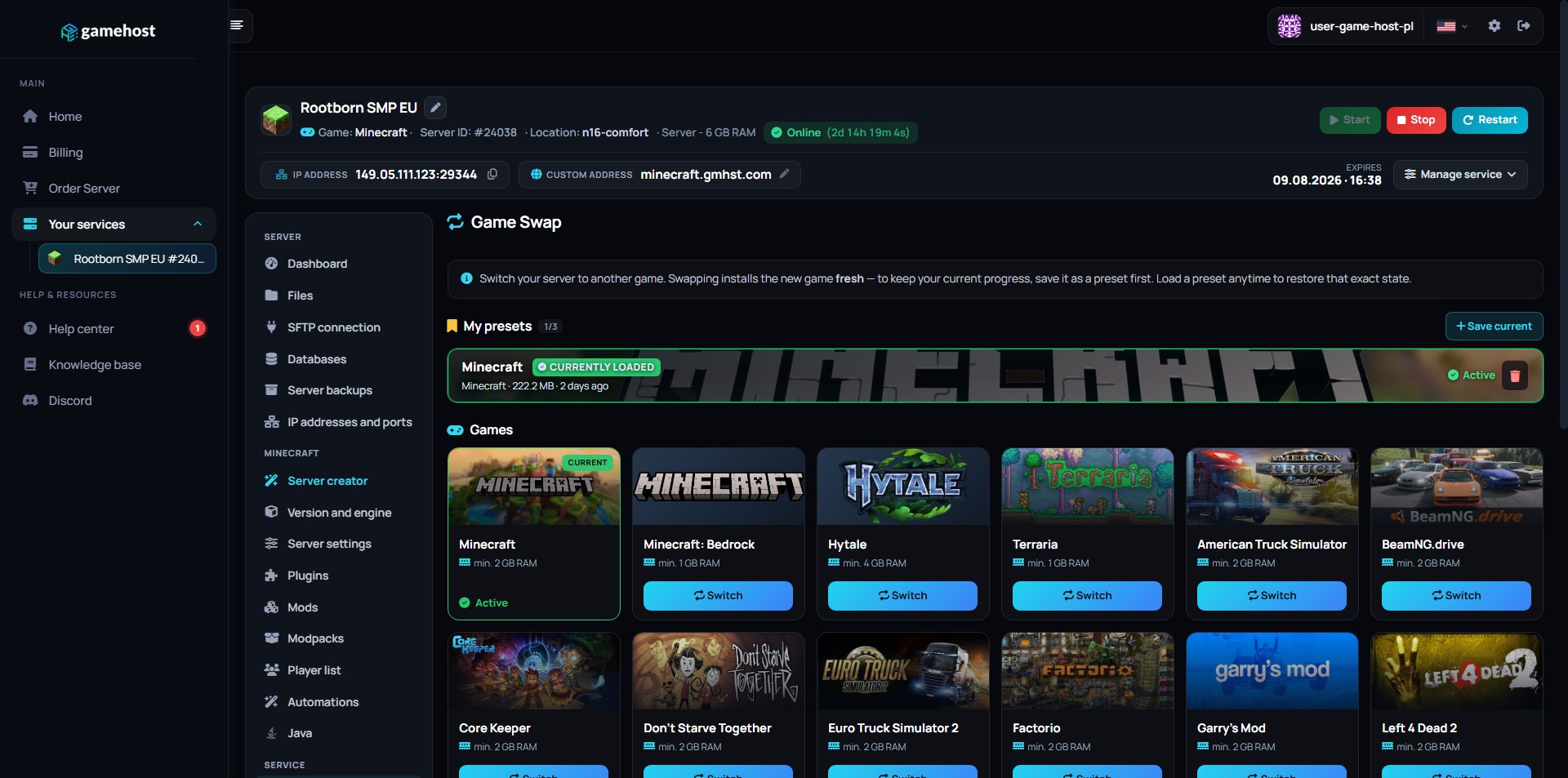
Every plan includes Game Swaps — switch your server to any supported game whenever you want, at no extra cost.

1Pick a plan 2Launch any game 3Swap anytime

Features

NVMe SSD

Lightning-fast reads and saves.

Low Ping

Four locations across Europe.

Full file access

File manager and FTP, no restrictions.

Instant Setup

Your server is live in 60 seconds.

Backups

Backup slots included from 4 GB up, restore in one click.

24/7 Support

Technical support on Discord.

COMMAND CENTER

Full control
in one place.

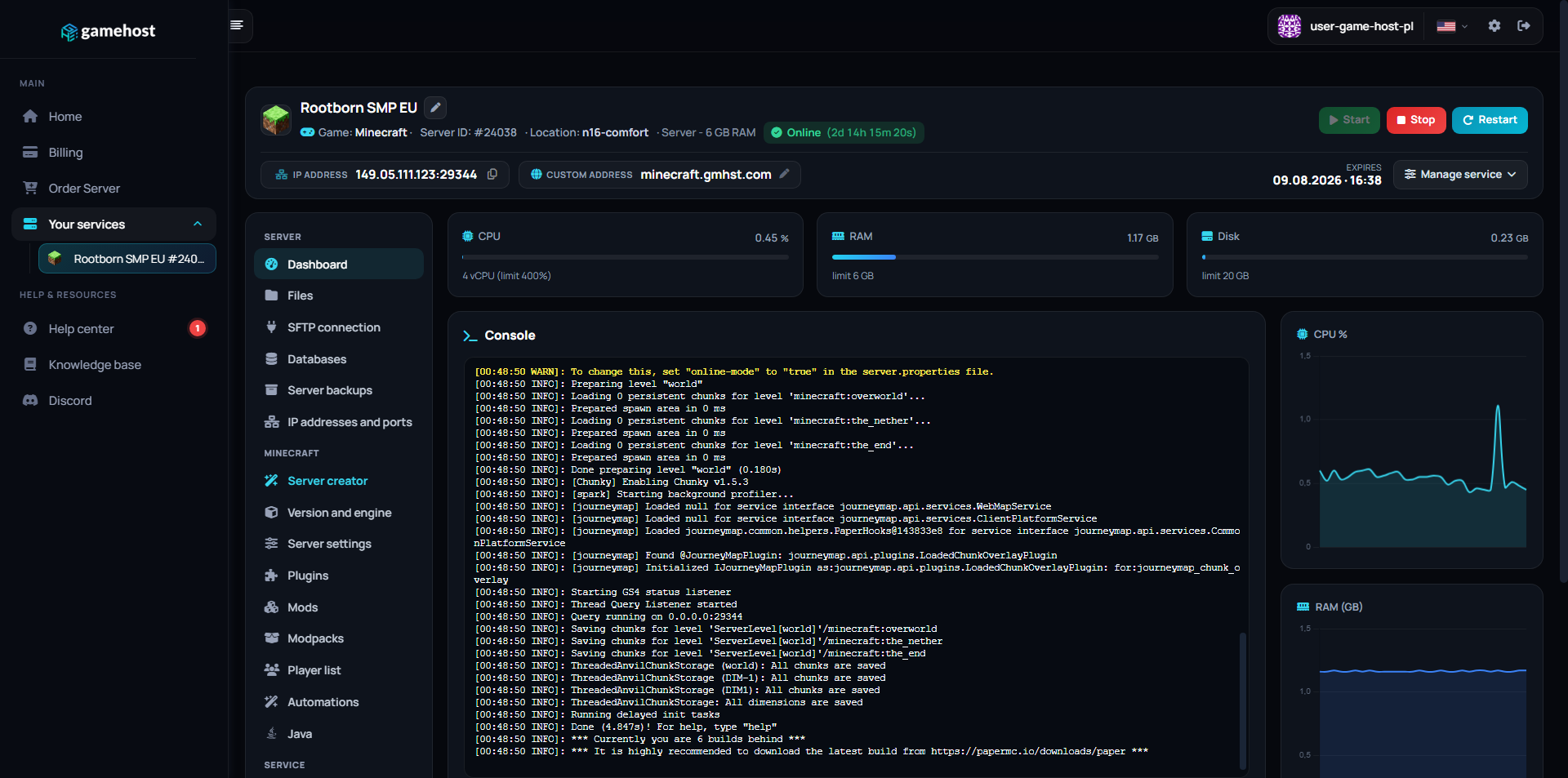
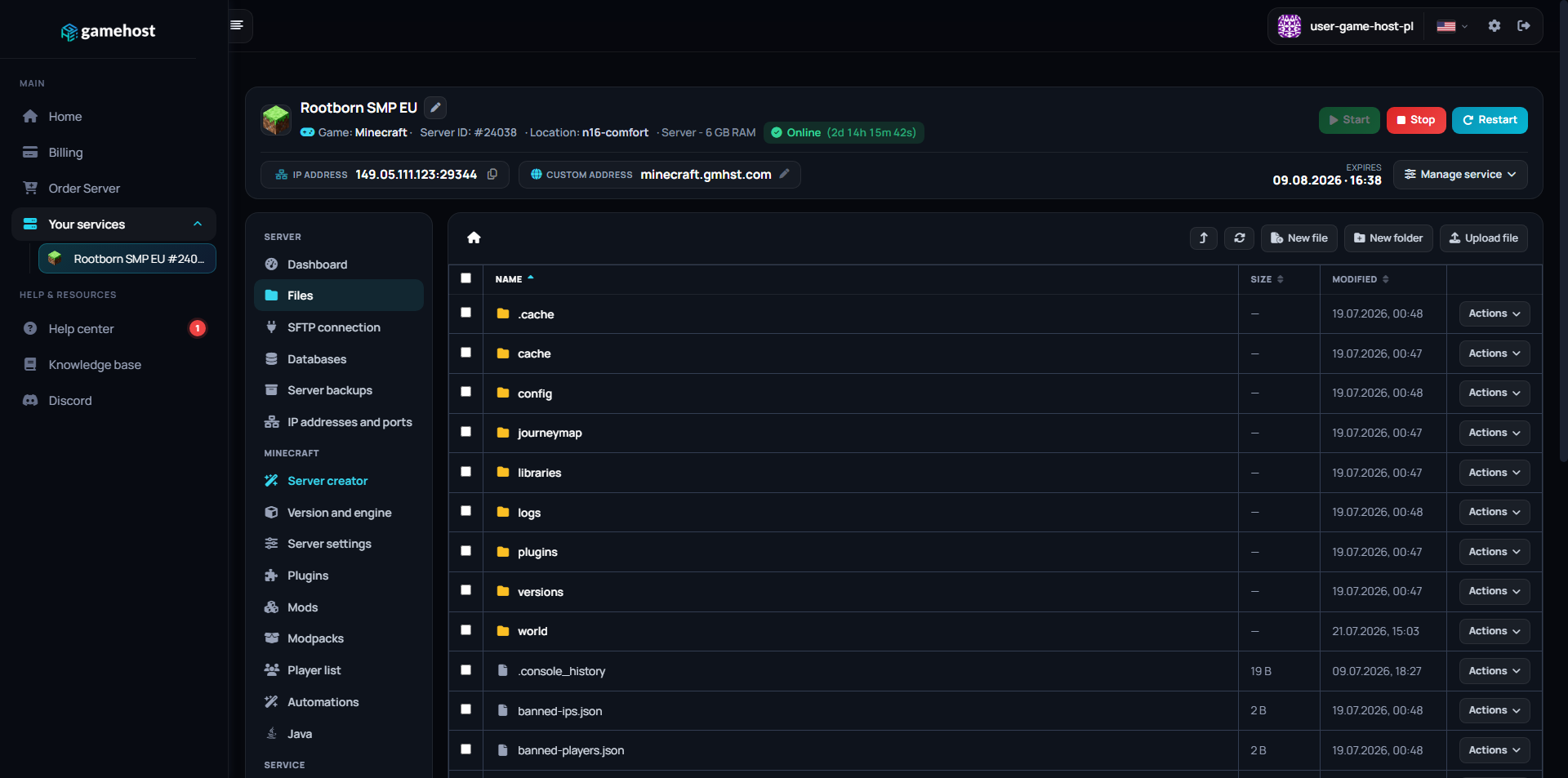
Our custom-built panel combines powerful tools with an intuitive design. Manage your server without needing a PhD in computer science.

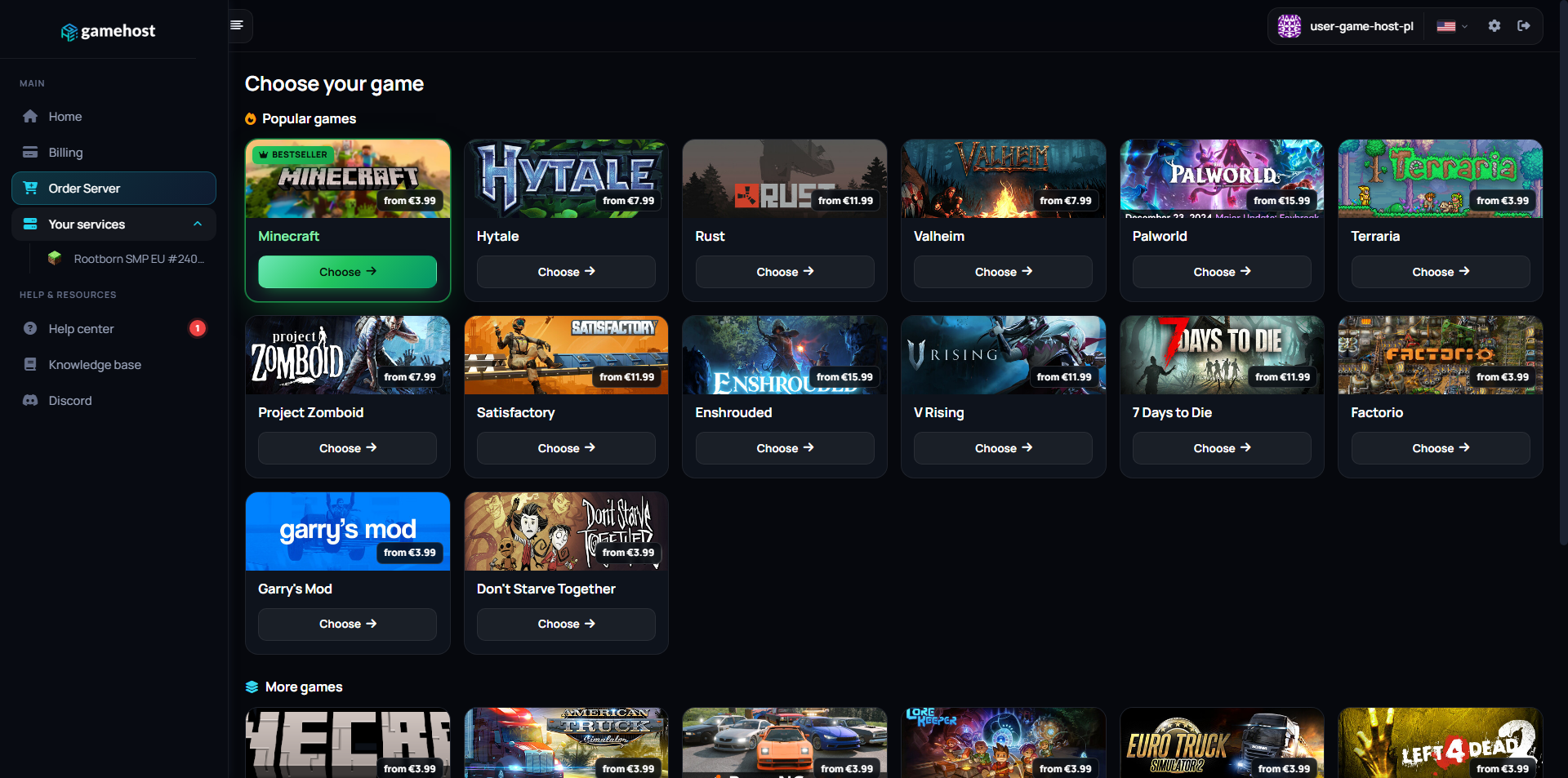
Server dashboard Files Game Swap Game library

FAQ / Questions & Answers

Our plans start at 4 GB, which handles a vanilla server running standard missions for a small group. Arma gets hungrier as you add players, stack large mod sets like full unit and terrain packs, or run persistent missions with a lot of AI and vehicles alive at once. If your group runs modded operations regularly, plan for a higher tier from the start.
Yes. Arma 3 mods come from the Steam Workshop or from mod authors directly, and you upload the mod folders to the server through the file manager or FTP, then list them in the server's startup parameters. Server-side only mods can be loaded separately from the ones clients need. Because mod sets get large, keep an eye on your disk usage as the list grows.
For anything that changes content, yes — players load the same mod set on their side or they will not be able to join. Most groups share a Workshop collection or a preset file so everyone launches with an identical list. Purely server-side additions are the exception and do not need to be mirrored by players.
You drop the mission files into the server's missions folder using the file manager or FTP, and they show up in the mission list once the server restarts. You can also define a rotation in the server config so missions cycle automatically instead of being picked by hand each session. Editing those config files is entirely yours to do from the panel.
Yes. The panel gives you a live console, a file manager, FTP, manual backups within your plan's backup slots and scheduled restarts. On the game side you set the admin password in the server config, which lets you log in as admin in-game to change missions, kick players and manage the session while it runs.
Yes. Arma 3 uses difficulty profiles that decide things like available HUD elements, map markers, third person and AI skill, and you edit those alongside the main server config. Everything is a text file you can open in the panel, so you can build a strict milsim profile or something more relaxed and switch between them.
You choose your location when ordering: Falkenstein (Germany), Warsaw (Poland), London (UK) or Gravelines (France). Pick the one closest to you — the shorter the distance, the lower your ping.
Yes, and it costs nothing extra. Game Swaps are included in every plan: turn the same server into another supported game in one click, and each game keeps its own saved preset so nothing is lost when you swap back. Heavier games need more memory, so which titles you can run depends on the plan you pick — hover the info icon next to Game Swaps on any plan above to see how many that plan can run.

Other game servers

New here? Read the Arma 3 setup guide in our knowledge base.